Step three says “log into the procurement portal,” but the real flow depends on the right SSO tile, workspace, permissions, and required fields. Then the vendor changes a tab, the screenshot goes stale, and the person who knows the process is in back-to-back meetings.
The problem is not that operations or quality teams doubt SOPs matter.
The problem is keeping written procedures aligned with live tools like Salesforce, Workday, Zendesk, procurement systems, expense platforms, and internal admin surfaces that change often.
When the document and the UI diverge, the SOP stops being a control. It becomes decoration.
How to write an SOP that matches what people actually click
Strong SOPs for operations and quality teams are clear about the job first, then the tooling.
Most usable procedures share the same spine:
- Scope and trigger: when this applies and what starts the process
- Roles: who acts, who approves, and who gets notified
- Sequence: ordered steps, not long essay paragraphs
- System-of-record truth: field names, paths, and exceptions that match production
- Evidence: screenshots, exports, ticket IDs, or logs someone can audit
- Traditional writing can cover all five, but sequence and system truth are where SOPs drift.
- Ops teams can borrow a useful habit from IT runbooks: numbered steps tied to observable UI states.
- Start from the real workflow, then edit for clarity, approval rules, and audit evidence.
A faster way to write SOPs
When blank-page writing is the bottleneck, capture-first authoring is usually faster than starting with a static template.
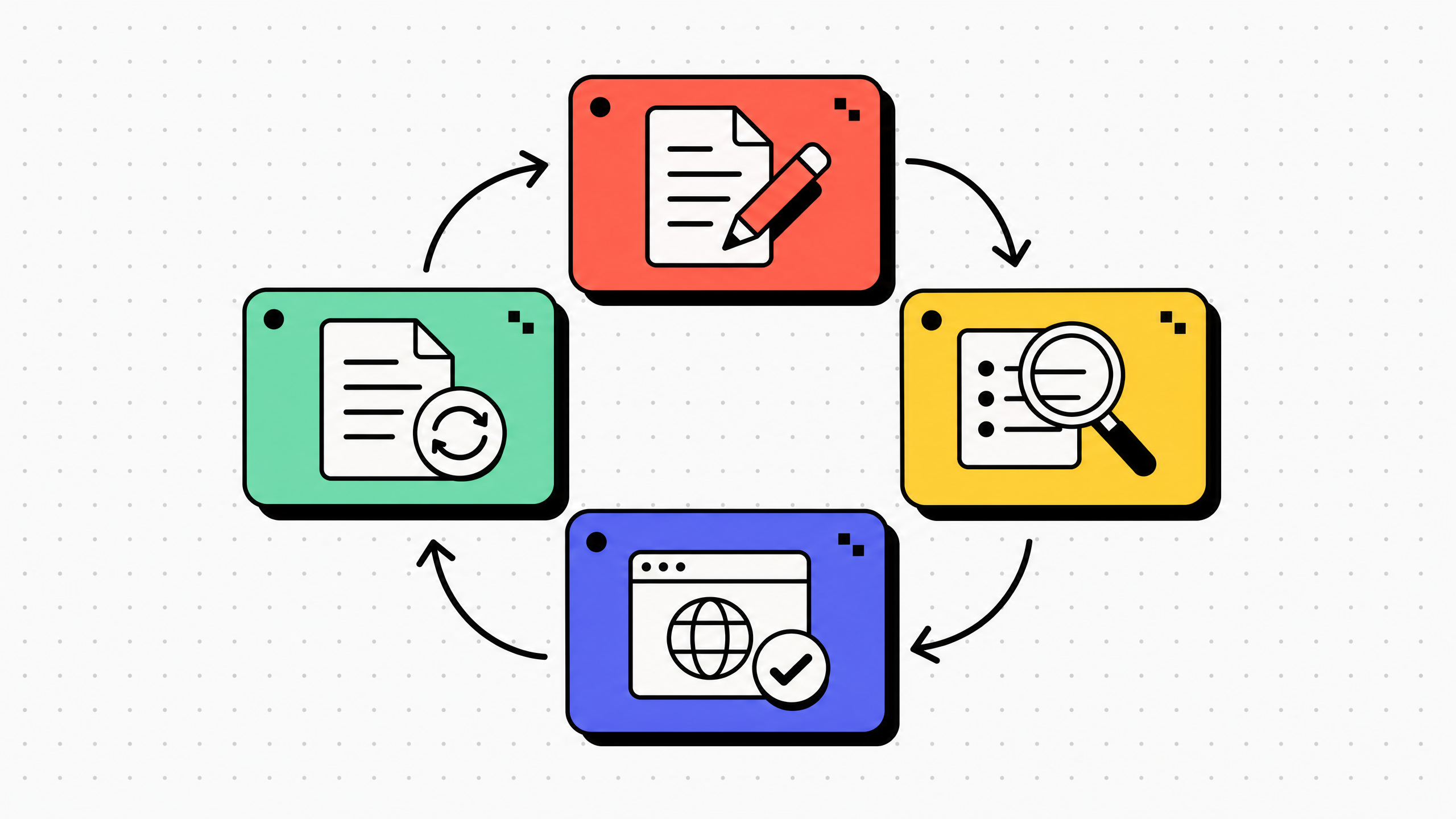
The process is simple:
- Record the golden path in the browser.
- Generate numbered steps with screenshots.
- Edit the text for tone, accuracy, and policy fit.
- Redact sensitive information.
- Publish the guide where the team already looks.
- Assign an owner to refresh it when the process changes.
- This does not remove governance.
- Someone still owns the SOP. Someone still reviews it. Someone still decides when it is ready to publish.
- Capture-first authoring just makes the first draft much easier to produce.
Get Haiku for ops and quality SOPs
The rest of this article walks through Get Haiku (gethaiku.ai) , which is a browser-led workflow capture product from WalkMe.
It helps teams record web-based procedures and turn them into step-by-step guides with screenshots and editable AI-generated draft text.
For ops and quality teams, Haiku fits best when the procedure lives inside browser-based tools, such as:
- Expense systems
- Procurement portals
- Vendor onboarding tools
- Access request systems
- Returns workflows
- CRM or support platforms
- Internal admin tools
What it is
Recording runs in Chrome. Haiku produces numbered steps with screenshots and editable AI draft text per step, with pause and resume during recording. Sharing, export, and embed options depend on tier on the public pricing matrix.
For ops and quality work that lives in web apps (expenses, vendor onboarding, access requests, returns), it is a fast way to turn a correct run into a guide other shifts can follow. It does not replace your wiki or your LMS. Desktop capture is listed as coming soon in the same pricing matrix until that row ships as generally available.
Official compare copy may reference in-app walkthroughs via WalkMe as ecosystem positioning. That is not the same as the Chrome extension alone delivering full digital adoption overlays.
What happens when you record
A Chrome extension records clicks and screen state inside the browser tab.
After recording, the draft contains a numbered sequence of steps aligned to what was captured.
Each step can include AI-generated titles and descriptions, a screenshot, and annotations such as highlights and callouts.
Authors can reorder, delete, or insert steps, edit text, and use blur or tier-appropriate redaction before sharing.
For the full feature picture, use How it works and the pricing matrix rather than blog paraphrase.
What gethaiku.ai says for Ops, Process, and Quality
Get Haiku's Use cases page includes an Ops, Process, Quality section titled “The SOP nobody had time to write.” On that same section, the site states teams can work 93% faster than writing SOPs from scratch, and describes the flow as: record the process once; AI generates a polished, step-by-step guide with screenshots and annotations; update the guide when the process changes.
Those lines are the on-page source for the percentage and the narrative. Cite that URL when quoting them in internal materials.
Privacy, exports, and where guides live
Process SOPs often touch PII or customer data. Public Haiku copy covers one-click blur on screenshots, AI-powered redaction on Pro, and SOC 2 Type II plus GDPR messaging across tiers. For regulator-facing language, pull exact compliance sentences from Pricing / FAQ rather than paraphrasing.
Haiku is a guide creation layer, not the system of record: guides can be shared by link, exported in formats the tier allows, and placed where teams already search (Notion, Confluence, SharePoint, Slack, Teams, Zendesk, and others listed under Integrations).
Limits to plan around
These limits follow Get Haiku's public pages:
- No self-healing when a UI changes. If Salesforce renames a tab, a human re-records or edits steps. Treat guides like any living SOP library.
- Browser capture today. Do not promise full desktop capture until the pricing matrix removes the coming-soon label on that row (Pricing).
- Not a standalone DAP replacement. Full in-app adoption platforms are a different purchase; mirror Haiku's own compare table for WalkMe-class overlay claims (Compare).
- Not long-form screen video as the core artifact the way async video tools are; Haiku emphasizes scannable, stepwise images (Chrome Web Store).
SOP software vs. capture tools vs. DAP: how to choose
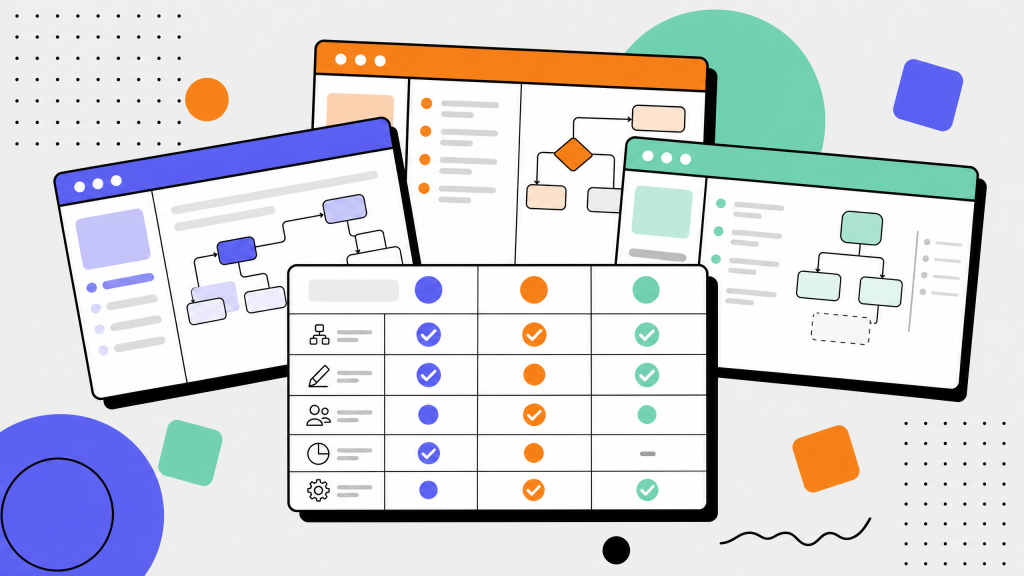
Buyers often compare three buckets in one breath. Use this table to orient a shortlist, not to crown a single winner. The third column names common vendors in each category for recognition only; it is not a ranked or endorsed stack.
Dollar amounts and plan caps change. For vendor grids that require figures, copy from gethaiku.ai/compare with its last-verified context or cite fresh pricing pages with a date.
FAQ
What is a standard operating procedure in business?
A standard operating procedure is an approved way to perform a recurring task so the outcome is consistent, measurable, and reviewable.
What is an SOP in plain language?
An SOP is the agreed sequence of steps, checks, and handoffs for work that should not depend on who is on shift.
How does capture-first SOP writing differ from starting in a blank doc?
Blank-doc writing depends on memory. Capture-first writing starts from a real workflow, then turns it into numbered steps with screenshots that can be edited, redacted, and reviewed.
Does faster SOP creation remove governance?
No. Faster drafting does not replace review, ownership, approval, or change management.
When should we still choose dedicated SOP software?
Choose dedicated SOP software when the main need is governance at scale: approvals, assignments, recurring tasks, training records, and one system of record.
Do we need special process documentation software?
Not always. If the bottleneck is extracting accurate steps from experts, browser capture may solve the problem. If the bottleneck is governance, compliance, or training at scale, you may need SOP software, an LMS, or a wiki alongside capture tools.
A practical take on the standard operating procedure when the hard part is the UI, not the template.