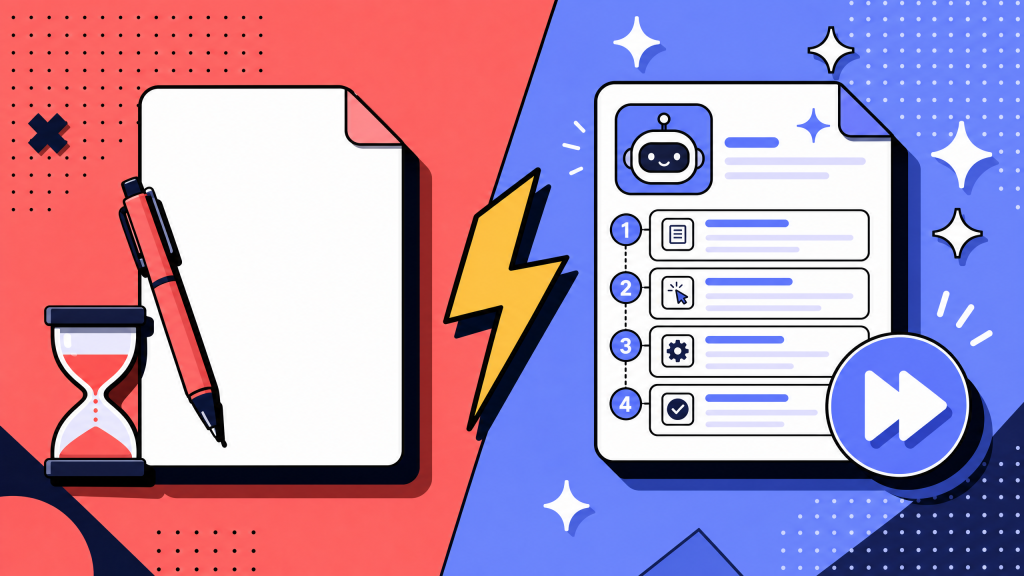
Someone with all the context writes a long document over a weekend, publishes it in the wiki, and three months later new hires are politely ignoring it. The SOP may have been accurate the day it was written. That is not the problem.
The problem is that it was written for the person who already knew the process, not the person trying to follow it for the first time. No one clearly owns it, no one reviews it, and eventually the team stops trusting the whole SOP library.
This framework is built to prevent that. Seven steps. One reusable template. One clear owner per SOP. The goal is not to create more SOPs. It is to create fewer SOPs that people actually use.
Key takeaways
- A standard operating procedure is a written instruction for completing a specific repeatable task the same way every time.
- An SOP is not the same thing as a policy, workflow diagram, or runbook, even though they often live in the same wiki.
- The 7-step framework is: pick the right process, watch the work happen, write from the operator's point of view, use one 5-block template, test with someone new, assign owner/version metadata, and schedule the next review before publishing.
- The most useful structural decision is the template. A simple 5-block template makes every SOP easier to scan, compare, and maintain.
- AI helps most with capture and formatting. It does not remove the need for human review.
What is a standard operating procedure?
A standard operating procedure, or SOP, is a written instruction that documents how to complete a specific repeatable task the same way every time.
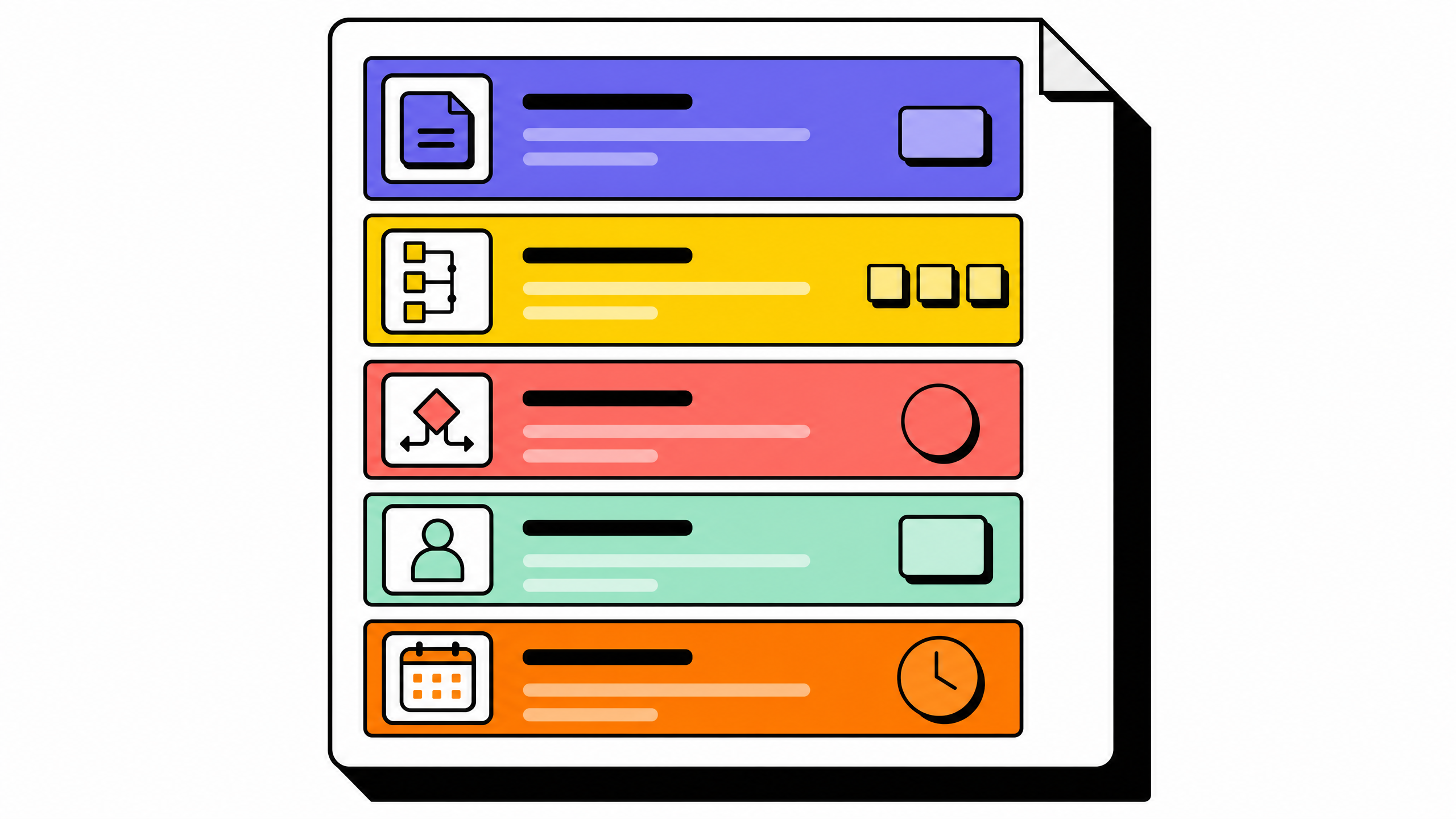
The point is to remove improvisation from work that should not be improvised.
Examples include:
- Closing the books at month end
- Onboarding a new customer
- Processing a refund
- Running a security incident response
- Shipping a software release
- An SOP is different from a policy, workflow diagram, or runbook.
A policy explains what is allowed. A workflow diagram shows how work moves between people or systems. A runbook is usually used during a live operational event. An SOP explains how one person completes one specific task in a normal working context.
Confusing these artifacts is one reason wikis turn into messy folders of unmaintained docs.
Good SOPs usually have three qualities:
- They are short enough to read in one sitting.
- They have a named owner.
- They are written for someone doing the task for the first time.
Why a 7-step framework beats a 50-step checklist
Most SOP advice on the internet treats SOP creation as a list of writing tips: use clear language, use numbered steps, include screenshots. That is not wrong, but it is not enough either. The reason SOPs decay is not bad sentence-level writing. It is the absence of a repeatable creation process that makes every SOP behave the same way over time.
A 7-step framework solves three problems at once. It produces SOPs that look and feel the same across the team, so readers learn how to read SOPs once instead of relearning every time. It assigns an owner before the first version ships, so SOPs do not turn into orphan documents. It schedules the next review before anyone forgets the SOP exists, so decay is bounded. The framework scales because it is short enough to memorize, structured enough to enforce, and the same regardless of whether the team has 5 SOPs or 500.
For the related problem of choosing a tool to host the SOPs once they exist, see our guide to process documentation and workflow documentation software. The framework below is tool-agnostic. It works in a Word doc, a Notion page, a Confluence wiki, or a purpose-built SOP platform.
The 7-step framework for creating standard operating procedures
The seven steps below run in order. Skipping any one of them produces a specific failure mode that we describe in the common-mistakes section.
Step 1: Pick a process worth documenting
Not every task needs an SOP.
Documenting everything is how teams end up with noisy wikis nobody trusts.
A process is usually worth documenting when at least two of these are true:
- It happens more than once a month.
- More than one person performs it, or will soon.
- It creates compliance, financial, security, or customer risk if done wrong.
- It takes more than 30 minutes to teach live.
- If a process meets none of those criteria, a quick team note may be enough.
- If it meets all four, the SOP is probably overdue.
- The goal of this step is triage. Do not document everything by default.
Step 2: Watch someone do the work
Do not write the SOP from memory.
Watch someone complete the task from start to finish. Pay attention to the steps they perform, the tools they use, the decisions they make, and the moments where they pause to check something.
The gap between what people say they do and what they actually do is where bad SOPs come from.
If the work happens on screen, ask the operator to record it or share their screen. If it happens offline, sit beside them.
Capture:
- The order of steps
- The tool used at each step
- The input each step needs
- The output each step produces
- A 30-minute observation session usually produces a better first draft than two hours of writing alone.
For teams that want to skip drafting altogether, see our guide to document workflows without writing a single word. Screen-recording-based workflow capture is now strong enough to handle the first-draft step automatically.
Step 3: Write from the operator's point of view
The reader is the person who has to do the task, often for the first time.
Write for that person.
Use direct language. Use the vocabulary the operator already knows. Avoid internal shorthand that only makes sense to the original author.
A few rules help:
- Start each step with a verb.
- Put the action before the explanation.
- Cut background history unless it changes the action.
- Use plain names for tools, roles, and outputs.
- The shorter and clearer the SOP is, the more likely it is to be followed.
Step 4: Use the same 5-block template every time
Every SOP in the library should use the same structure.
Same blocks. Same order. Same metadata.
The template we recommend has five blocks:
- Purpose
- Scope
- Owner and version
- Steps
- Review schedule and changelog
- This consistency matters. A wiki where every SOP looks different forces readers to relearn the layout each time.
- Pick one template, lock it, and resist the urge to create exceptions for “special” SOPs.
Step 5: Test the SOP with someone who has never done the task
Before publishing, hand the draft to a person who has not done the process before. Watch them follow it. Note every place they get stuck, ask a question, or make a wrong choice. Each of those moments is a defect in the SOP, not a defect in the tester. Fix the SOP, do not blame the operator.
This step is the one most teams skip. It is also the step that turns an SOP from "a document the author thinks is clear" into "a document that actually works for the operator". A 20-minute test session prevents three months of confused new-hire questions. If you cannot run a fresh-eyes test, hand the draft to someone in a different team and ask them to walk through it. Imperfect testing beats no testing.
Step 6: Version it and assign an owner
Every SOP needs a named owner and a version number from the day it is published.
The owner is responsible for keeping the SOP true.
The version number tells readers whether they are looking at the current document.
Without both, the SOP quietly drifts out of date.
A simple versioning system works:
- Major version changes for process redesigns
- Minor version changes for small edits or step updates
- Add a short changelog at the bottom so readers can see what changed and why.
Step 7: Schedule the next review before you ship
This is what keeps the SOP alive.
Before version 1.0 goes live, schedule the next review on the owner's calendar.
Use the cadence that matches the process:
- Monthly for security, compliance, or fast-changing workflows
- Quarterly for most operational SOPs
- Annually for stable processes that rarely change
- Without a scheduled review, every SOP slowly becomes less true.
- A review does not always mean rewriting. Sometimes it simply confirms that the SOP is still accurate.
- That confirmation matters.
- 7-step framework takeaways
- The framework is not a writing tip; it is a creation process. Skipping a step produces a predictable failure mode.
- The two steps most teams skip are also the two with the highest payoff. Step 2 (watch the work) is what makes the SOP true. Step 7 (schedule the next review) is what keeps it true.
- The 5-block template in the next section is what makes the framework scale. Same shape every time, no exceptions.
A reusable SOP template you can copy
Below is the full 5-block template referenced in step 4. Copy it into your wiki, replace the placeholders, and ship.
[SOP title in plain language]
Purpose
One or two sentences describing what this SOP exists to ensure. Write the outcome the SOP is meant to produce, not the steps.
Example: "Ensure every new customer has access to the platform, their account is set up correctly, and their kickoff meeting is scheduled within 5 business days of contract signature."
Scope
A short list describing when this SOP applies and when it does not. Include who runs this process, when it runs, and any out-of-scope edge cases. Example:
- Applies to: net-new customer accounts on annual contracts.
- Runs on: every new contract signature.
- Out of scope: renewals, expansions, free-tier signups.
Owner and version
- Owner: [Name and role]
- Last reviewed: [YYYY-MM-DD]
- Version: vMAJOR.MINOR
- Next review due: [YYYY-MM-DD]
Steps
Numbered list. Each step starts with a verb. Action before explanation. Cap at one screen of steps where possible.
- Do X.
- Then do Y. If Y fails, escalate to [role].
- Confirm Z by checking [system or output].
- …
Review schedule and changelog
Cadence: [Monthly / Quarterly / Annually]
Changelog:
- v1.0 (YYYY-MM-DD): Initial version. Author: [Name].
- v1.1 (YYYY-MM-DD): [What changed and why]. Author: [Name].
The template is intentionally short. SOPs that fit on one screen are more likely to be followed. SOPs that stretch across four pages usually get skimmed.
If a process needs more than one screen of steps, that is often a sign that two or three SOPs are hiding inside one document. Split it. See our standard operating procedure template guide.
Common mistakes when creating standard operating procedures
These are the mistakes the framework is designed to prevent.
Writing the SOP from memory
The author thinks they remember the process clearly. They do not. Memory smooths out the awkward parts: the small workaround, the manager approval that always happens but is never written down, the third-party tool the author forgot to mention. Memory-written SOPs always miss the same thing: the part of the work that everyone knows but nobody documents.
Writing for the author, not the operator
The SOP makes sense to the person who already knows the process. It is opaque to the new hire who actually needs it. The fix is the fresh-eyes test in step 5. If a tester gets stuck twice on the same step, the step is not clear, no matter how clear the author thinks it is.
Cramming three processes into one SOP
A single SOP that covers customer onboarding plus renewal plus offboarding plus expansion has become a wiki page, not a procedure. Operators cannot find the part they need. The fix is to split. One SOP per process, named precisely.
Skipping the owner and version block
Without an owner, no one is responsible for keeping the SOP true. Without a version number, no one knows whether the version they are reading is current. Both fields are 30 seconds of work and prevent months of confusion later.
Treating the SOP as one-time work
The first version is published and never reviewed again. The underlying process changes. The SOP quietly becomes wrong. Six months later, a new hire follows it and produces a defect. Step 7 (schedule the next review) is the only durable defense against this anti-pattern.
Anti-pattern takeaways
Each mistake maps back to a skipped step in the framework.
The hardest mistake to catch is writing for the author. Use the fresh-eyes test.
The most expensive mistake over time is skipping the review schedule. SOPs without review dates become liabilities.
How AI is changing SOP creation in 2026
AI has made SOP creation faster, especially at the capture and formatting stages.
It has not removed the need for human judgment.
Voice-to-SOP capture
A subject-matter expert can now narrate a process out loud while doing it, and modern tools transcribe and structure the narration into a draft SOP. This compresses step 2 (watch the work) and step 3 (first draft) into one session. The output is rough, but rough beats nothing, and rough is a better starting point than a blank page.
Auto-formatting against your template
Once a draft exists, AI can fit it to your 5-block template automatically. Headings, scope statements, and step numbering can be normalized in seconds. This works best when the team has actually committed to a single template. AI cannot pick the template for you, and it cannot enforce one across a wiki where every SOP already looks different.
Drafting from screen recordings
Screen-recording-to-SOP is the strongest 2026 development. The expert performs the task while recording, and the tool produces a step-by-step draft with annotated screenshots. This is what step 2 (watch the work) looks like when the expert is the only person who has time to participate. For deeper coverage of how this changes documentation work, see our overview of AI-assisted process documentation.
What AI still gets wrong in 2026
Two AI capabilities still over-promise. Fully automated SOP authoring (no human review) misses the operator's point of view; the prose is technically accurate but written for an imaginary reader who already knows the process. Fully automated review and update detection misses the kind of process change a human notices in the room but a model cannot see in the document. Treat AI output as a strong first draft, not a published SOP. The fresh-eyes test in step 5 is still required in 2026, especially for SOPs that touch compliance, finance, or security.
AI takeaways
Use AI for capture and formatting.
Do not use AI to skip human review.
The best workflow is: capture, generate, review, test, publish.
FAQ
How do I write a standard operating procedure?
Use a 7-step process: pick the right process, watch the work happen, write from the operator's point of view, use one template, test with someone new, assign owner/version metadata, and schedule the next review.
What are the 5 components of a standard operating procedure?
Purpose, scope, owner and version, steps, and review schedule.
What are the 5 C's of SOP writing?
Clear, concise, complete, consistent, and correct.
Can ChatGPT create an SOP?
ChatGPT can create a useful first draft from a description, transcript, or screen recording. It cannot test the SOP with an operator, assign internal ownership, or schedule reviews. Human review is still required.
How long should a standard operating procedure be?
As short as possible while still complete. Strong SOPs often fit on one screen. If the SOP runs longer than two pages, split it into smaller procedures.
What is the difference between an SOP and a work instruction?
An SOP covers a complete repeatable task. A work instruction documents one narrower action inside a larger SOP.
How often should SOPs be reviewed and updated?
Quarterly works for most operational SOPs. Monthly works for security or compliance workflows. Annually is enough for stable processes.