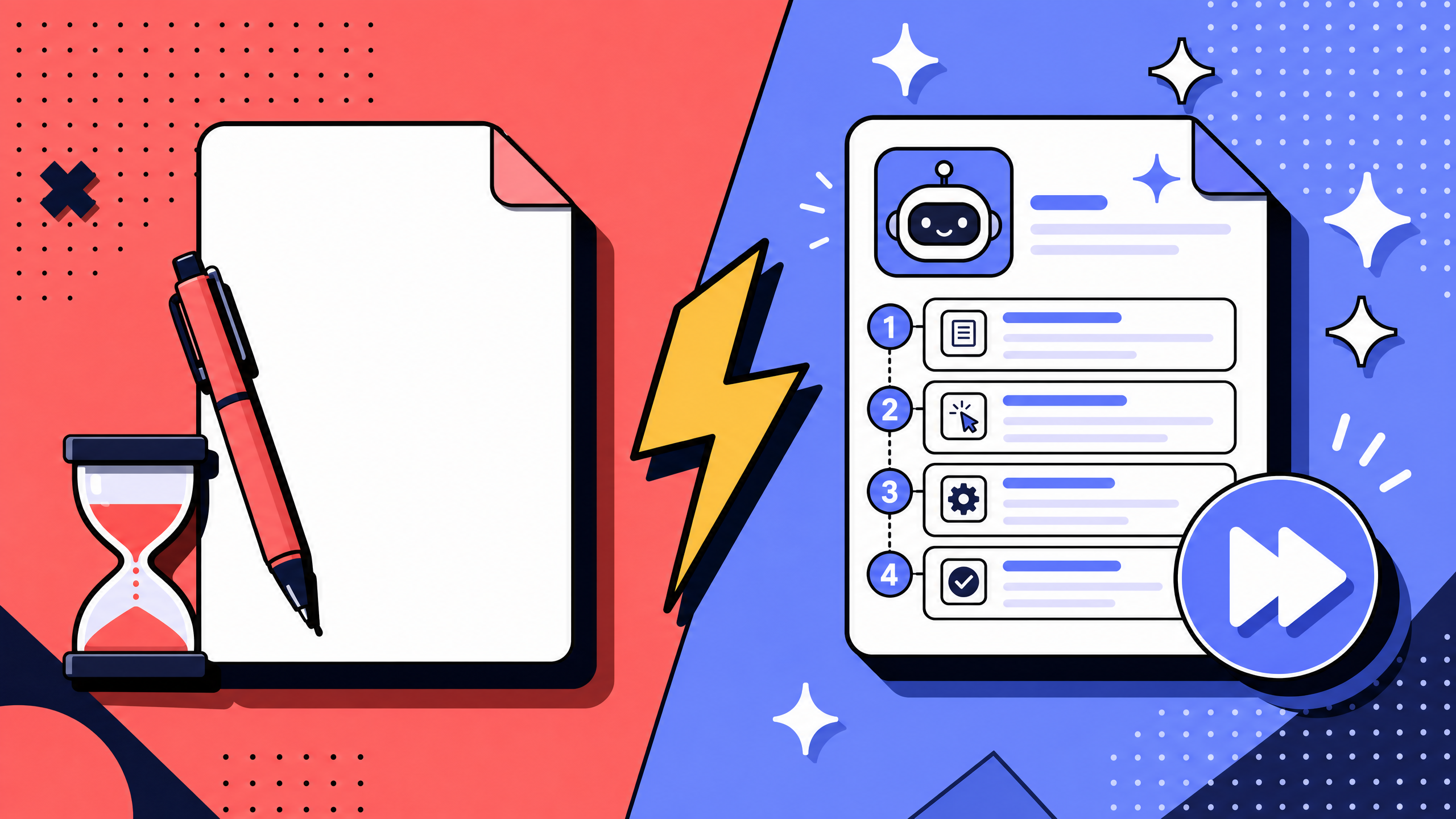
Before AI, creating a standard operating procedure usually meant interviewing the expert, writing the first draft, formatting it into a wiki template, publishing it, and checking it again during the next review cycle.
In 2026, AI can handle much of the mechanical work: capture, drafting, formatting, translation, and change detection.
The judgment still belongs to humans.
This guide explains what AI actually changes in SOP creation, where it helps, where it breaks, and how to start without turning your wiki into a pile of polished but unreliable drafts.
Key takeaways
- AI transforms SOP creation by taking over mechanical work: capture, drafting, formatting, translation, retrieval, and change detection.
- Humans still own the judgment work: deciding what to document, testing whether the SOP works, assigning ownership, and approving updates.
- The five biggest shifts are: blank-page drafting becoming capture-first drafting, manual reformatting becoming template-aware drafting, periodic review becoming change detection, monolingual SOPs becoming multilingual SOPs, and static wikis becoming question-answering wikis.
- A useful AI SOP workflow fits inside a 7-step SOP framework. AI helps most with capture, structuring, formatting, first-pass review, and change detection. Humans still own process selection, fresh-eyes testing, and long-term ownership.
- The right way to start is simple: pick one process, lock one template, capture before drafting, keep human review mandatory, and schedule reviews from day one.
What does AI-assisted SOP creation actually mean?
AI-assisted SOP creation means using language models, voice transcription, and workflow capture to draft, format, and maintain standard operating procedures, with a human reviewer responsible for the final version.
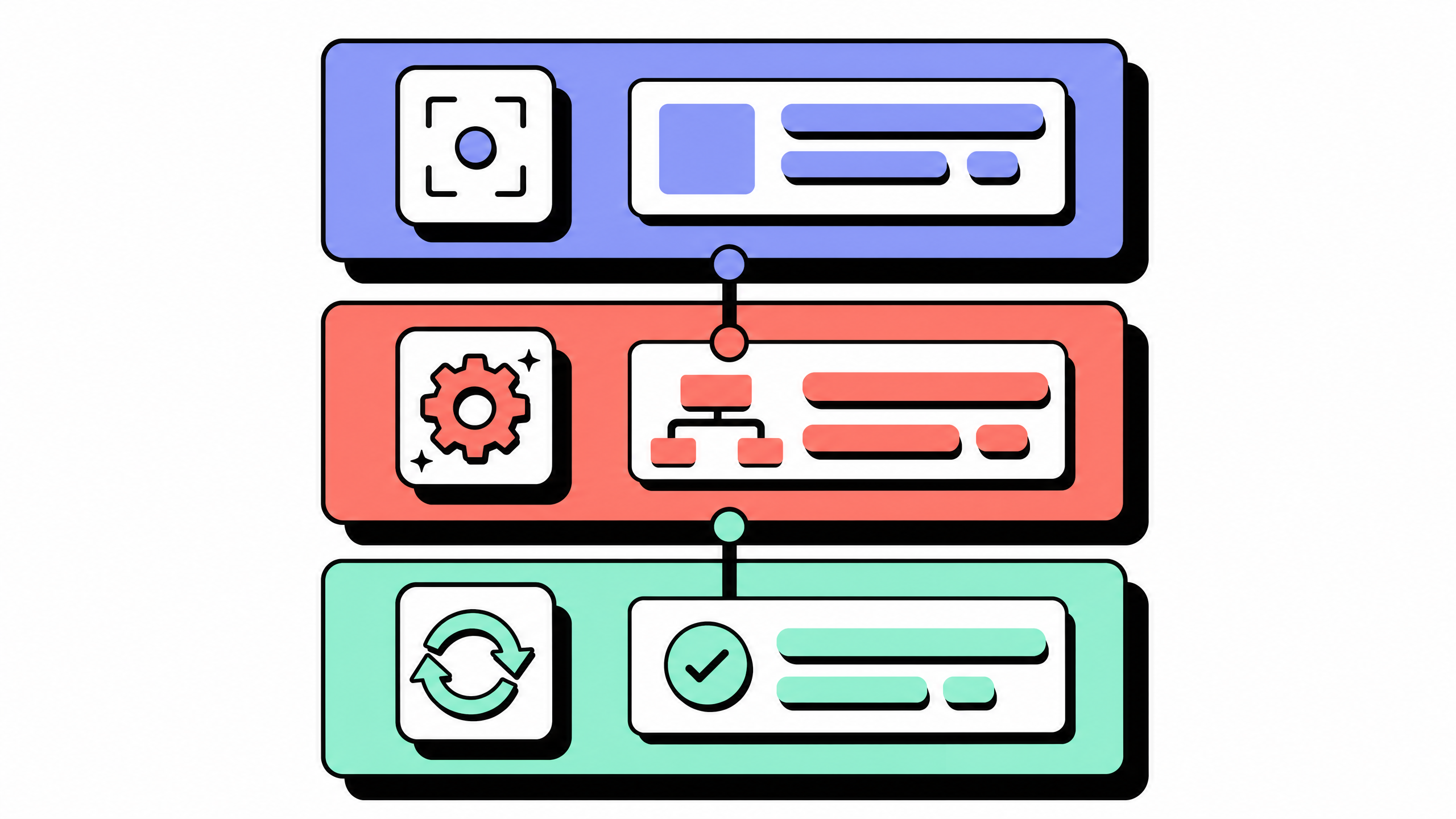
The AI handles the mechanical steps. The human handles the judgment steps.
This can include:
- Turning a screen recording into a structured SOP
- Turning a voice transcript into a draft
- Fitting rough notes into a template
- Translating SOPs into other languages
- Flagging when a published SOP may no longer match the current workflow
The category includes purpose-built AI SOP tools, AI features inside wiki platforms, and general-purpose AI assistants used with strong prompts. See our guide on how to create standard operating procedures.
The tool matters less than the workflow. If AI is helping with a documentation task that previously required manual writing, formatting, translation, or updating, it belongs in this category.
For the underlying step-by-step methodology of writing an SOP at all, with or without AI, For the broader category of AI applied to all process documentation (not just SOPs), see our AI process documentation guide.
What changes when AI takes over SOP creation
The shift is not cosmetic. AI does more than make the old process faster. It changes which parts of SOP creation a human actually does.
Shift 1: from blank-page drafting to capture-first drafting
Traditional SOP creation starts with a writer staring at a blank page. AI-assisted SOP creation starts with a capture session. A subject-matter expert narrates the process out loud or screen-records the work. The AI cleans the transcript and structures it into a draft. The human reviewer edits the draft into a final version.
The blank page is the most expensive step in pre-AI SOP creation. Most writers spend more time figuring out where to start than writing the actual SOP. Capture-first drafting removes the blank-page problem entirely. The cost of a first draft drops from 90 to 120 minutes of writing time to 15 to 30 minutes of capture time plus 20 to 30 minutes of review time.
For more on capture-first workflows, see our guide on how teams document workflows without writing a single word.
Shift 2: from manual reformatting to template-aware drafting
A 2024-era SOP draft would come back from the writer in their preferred prose style. The wiki maintainer would then have to manually reformat it into the wiki template. Scope blocks, owner-and-version metadata, numbered steps, and embedded screenshots all had to be placed by hand. This was about 30 percent of the total SOP creation time.
In 2026 the AI does the reformatting. A capable AI SOP generator can take a raw transcript or recording and fit it to a fixed wiki template in seconds. The human reviewer focuses on the operator's point of view (does this actually match what we do?) rather than the page layout (is the heading hierarchy correct?).
For a reference template that AI can fit drafts against, see our standard operating procedure template guide.
Shift 3: from periodic review to continuous change-detection
Traditional SOPs decay on a quarterly or annual review cadence. Between reviews, no one notices when an SOP no longer matches reality. AI-assisted SOP creation flips this. A change-detection layer compares recent captures or transcripts to the published SOP and flags specific steps that no longer match.
The change-detection layer does not own the SOP. It only flags drift. A human owner still has to confirm whether the recent capture is the new normal or a one-off mistake. The gap between drift starting and drift being noticed shrinks from quarters to days.
Shift 4: from monolingual SOPs to native multi-language coverage
Pre-AI, most globally distributed teams shipped SOPs in English only. Translating an SOP into the operator's first language was a separate project that rarely happened. The result was an English wiki being read by operators whose first language was not English, with predictable comprehension gaps.
AI-assisted SOP creation makes multi-language SOPs a default. An LLM translates the SOP into the languages the operators actually read while preserving the structural shape: headings, step numbers, and scope statements. The risk is that domain-specific terminology drifts in translation. The fix is a glossary file the model is forced to honor.
Shift 5: from static wiki to question-answering wiki
Pre-AI, finding an SOP meant clicking through a folder tree or running a keyword search that returned 50 results in no useful order. AI-assisted SOP creation adds a retrieval layer. An operator asks a question in plain language and the system returns a passage-level answer with a link to the source SOP.
This shift is the one that gets the most internal love from non-technical users. They never had a working search inside the wiki before. The 2024 problem was false-positive retrieval. The 2026 problem is that the team has not written enough SOPs for the AI to find anything useful. Build coverage first, then turn on retrieval.
How AI transforms each step of the 7-step SOP framework
AI changes four parts of the SOP workflow. The other three still belong to humans. The walk-through below maps each step to who now does the work, using our seven-step SOP creation framework as the spine.
Step 1: pick the process worth documenting
AI does not pick the process. A human does. AI cannot tell you which 10 processes out of 200 are worth turning into SOPs. That decision depends on which processes are run more than once a month, which ones cause new-hire confusion, and which ones touch compliance, finance, or security. None of those signals are in the AI's reach.
This is the step where most AI-led SOP rollouts go wrong. Teams ship 30 SOPs in a quarter without picking which 30 are worth documenting. The wiki gets full and stays useless.
Step 2: capture the work
AI does this step well. The expert narrates or screen-records, voice transcription captures the audio, and an LLM cleans the transcript. The human time spent on this step drops from 60 to 90 minutes (interview plus note-taking) to 15 to 30 minutes (capture session).
The AI cannot describe a UI it cannot see. Workflows that are mostly clicked do better with screen recording. Workflows that are mostly spoken (approvals, escalations, policy decisions) do better with voice.
Step 3: structure into a template
AI does this step well in 2026. An LLM fits the captured transcript or recording to a fixed wiki template. Headings, scope blocks, owner-and-version metadata, and step numbering are normalized in seconds. Screenshots are placed at the right step boundary. The output is a structurally clean draft, ready for human review.
The catch is the template. AI can fit a draft to whatever template you give it. AI cannot pick the template for you, and it cannot enforce a single template across a wiki where every existing SOP looks different. Lock the template once before you turn on AI drafting.
Step 4: review with the operator
AI does the first pass of this step. A draft generated from a capture session is shown to the operator who runs the process. The operator reads it, flags the steps that do not match what they actually do, and the AI revises. The human reviewer then closes the loop.
This is where AI-assisted SOPs feel different from manual SOPs. The operator is reviewing a draft of their own work rather than someone's interpretation of their work. The feedback loop is faster and the corrections are more concrete.
Step 5: run the fresh-eyes test
A human does this step. A second person, ideally someone who has never run the process, reads the draft and tries to follow it. They flag the assumed-knowledge steps, the implicit context, the "you just know" moments that the operator and the AI both missed.
AI cannot run the fresh-eyes test reliably in 2026. An LLM can produce a credible-looking critique. The LLM does not actually try to follow the SOP, and it does not get stuck the way a real fresh person does. The fresh-eyes test is the most valuable single review pass for an SOP, and it is still a human-only step.
Step 6: assign a named owner
A human does this step. The SOP needs an owner who is responsible for keeping it current after publication. AI can help with detection (step 7) but it cannot own an SOP. An SOP without a named human owner goes stale in months regardless of how it was drafted.
This is the second step where most AI-led SOP rollouts go wrong. Teams ship 30 AI-drafted SOPs in a quarter and assign no owners. Six months later, two thirds of those SOPs are wrong and no one is responsible for fixing them.
Step 7: schedule the next review
AI does this step well. A change-detection layer compares recent captures or transcripts to the published SOP and flags drift. A scheduled review cadence (quarterly or biannual) catches the SOPs that change-detection misses. The human owner assigned in step 6 confirms each flagged change.
The combination of human owner plus AI change-detection is what makes AI-assisted SOPs survive. Either alone is not enough. The owner without change-detection misses the drift. The change-detection without an owner has no one to act on the alerts.
7-step framework takeaways
AI is strongest on the mechanical work: capture, drafting, formatting, first-pass structuring, and change detection.
Humans are still needed for judgment: deciding what matters, testing usability, assigning ownership, and approving changes.
The best workflow is not “AI writes SOPs.” It is “AI reduces the mechanical work so humans can focus on the parts that determine whether the SOP is actually useful.”
Benefits of AI-assisted SOP creation: what we have measured
The benefits below are the ones teams tend to see first. Exact results depend on how mature the documentation process was before AI.
Benefit 1: 60 to 80 percent lower drafting time per SOP
A first draft of a 1-screen SOP used to take 90 to 120 minutes of writing time. The same draft now takes 15 to 30 minutes of capture time plus 20 to 30 minutes of review time. The biggest variance is the review pass. It depends on whether the team already has a template and whether the SOP is operator-facing or compliance-facing.
Benefit 2: 2 to 3 times higher SOP coverage of the team's actual processes
Most teams under-document. They have written SOPs for the processes that someone happened to find time to write, not for the processes that actually need an SOP. AI-assisted drafting is fast enough that teams write SOPs they would otherwise have skipped. Coverage of "processes the team runs more than once a month" goes from 30 to 40 percent at most teams to 70 to 90 percent within two quarters.
Benefit 3: more consistent formatting across the wiki
Auto-formatting against a template fixes the wiki-decay problem where every SOP looks slightly different and operators have to relearn the layout each time. After three quarters of using template-aware drafting, most teams report that operators find what they need in roughly half the clicks they used to need.
Benefit 4: 30 to 50 percent faster new-hire ramp
Better SOP coverage, semantic search, and onboarding chatbots together reduce new-hire question volume. New hires ask fewer "where do I find" and "how do I do" questions during their first month. The teams we have measured see a 30 to 50 percent reduction in new-hire ramp time, measured as time from start date to first solo task completion.
Benefit 5: lower documentation debt over time
Change-detection updates plus scheduled reviews reduce the rate at which SOPs drift out of date. The teams we have measured see SOP-decay rates drop from "most SOPs are wrong within nine months" to "most SOPs are still correct two years out". This is the benefit that compounds.
Benefits takeaways
Drafting time and SOP coverage improve first.
Consistency and new-hire ramp improve once the wiki has enough useful SOPs.
Lower documentation debt is the long-term win.
Limits of AI-assisted SOP creation
AI does not transform every step of SOP creation. The four limits below are worth naming because most of the failed AI-SOP rollouts we have seen were caused by ignoring at least one of them.
Limit 1: hallucinated steps that look credible
AI can produce a clean-looking draft that includes a step that never happened.
That is the risk: wrong content can look polished.
The fix is not complicated. Every AI-generated SOP needs operator review and a fresh-eyes test before publication.
Limit 2: AI cannot decide what to document
AI can help document a process. It cannot decide which processes matter most.
That decision depends on frequency, risk, business importance, compliance, and where teams actually get stuck.
If you skip that decision, you may end up with more SOPs but not better coverage.
Limit 3: AI cannot own an SOP after publication
An SOP needs a human owner.
AI can flag drift and suggest updates, but it cannot resolve disagreements, confirm policy changes, or take responsibility for accuracy.
Without ownership, the SOP will go stale.
Limit 4: AI cannot run the fresh-eyes test reliably
AI can comment on clarity, but it cannot truly follow the process like a new operator.
A real person trying to use the SOP will catch missing context, unclear instructions, and assumed knowledge faster than an AI critique.
Twenty minutes with a fresh human reviewer is still worth more than a polished automated review.
Limits takeaways
Hallucination is manageable with review.
AI is fast, not wise.
The “what to document” and “who owns it” decisions must happen before AI enters the workflow.
Human testing is still the strongest quality check.
How to start using AI for SOP creation in 2026
The wrong way to start is to buy an AI SOP generator and run it across the whole wiki.
The better way is to fix the workflow first, then let AI compress the parts worth compressing.
Start step 1: pick one process worth documenting first
Pick one process. Not a category. Not a department. One process. Choose one that is run weekly or more often, has produced operator confusion in the last quarter, and is not currently documented in a way the team trusts. Use this one process as the proof-of-concept for the AI workflow before you scale.
Start step 2: lock a single template across the wiki
Pick the template you want every SOP to follow. The 12-pattern reference in our standard operating procedure template guide is a good starting point. Lock the template before you turn on AI drafting. AI fits drafts to whatever template you give it; if the template is unstable, the wiki will be too.
Start step 3: capture before you draft
Run a capture session for the process you picked in start step 1. Have the operator narrate or screen-record the work. Feed the capture into your AI SOP generator or AI SOP writer. Get the structured draft. Do not skip to drafting from memory; the capture is the point.
Start step 4: keep the human review step non-negotiable
Schedule the operator review (step 4 of the framework) and the fresh-eyes test (step 5) on every AI-drafted SOP, regardless of how clean the draft looks. The two reviews together typically catch 5 to 15 percent of steps the AI got wrong. Skipping the reviews is the most expensive failure mode of any AI-SOP rollout.
Start step 5: schedule decay reviews from day one
Set a review cadence on the day you publish the SOP. Quarterly is reasonable for most operational SOPs. Biannual works for stable compliance SOPs. Monthly is appropriate for SOPs in fast-changing software workflows. Pair the cadence with AI change-detection so drift is flagged between scheduled reviews. For more on tool selection, see our guide to comparing process documentation tools before you buy.
Start-here takeaways
Start with one process, not a category or a department.
Lock the template first; let AI fit drafts to the locked template.
Capture before drafting, review with humans, schedule decay reviews on day one.
FAQ
Can ChatGPT make an SOP?
Yes. ChatGPT can create a useful first draft from a transcript, screen recording summary, or structured description. It cannot reliably watch the work happen, test the SOP with a real operator, assign ownership, or schedule reviews. Treat it as a drafting assistant, not the full SOP workflow.
Is there a free AI to create SOPs?
Yes. Some AI SOP tools offer free tiers, and general AI assistants can draft SOPs from prompts. Free options are useful for proof-of-concept work and one-off SOPs. Teams usually move to paid tools when they need template locking, workflow capture, change detection, integrations, or governance.
Can I write an SOP with AI?
Yes, as long as “write with AI” means draft and format with AI, then review with humans. A working flow is: capture, AI draft, operator review, fresh-eyes test, owner assigned, review scheduled.
What are the 5 C's of SOP writing?
The 5 C's are clear, complete, concise, consistent, and correct. AI can help with concise and consistent. Humans still need to validate clarity, completeness, and correctness.
What is the best AI for writing SOPs?
There is no single best AI. The right choice depends on your workflow. Look at capture mode, template control, review workflow, change detection, and where the SOP needs to live.
Can I use ChatGPT for writing SOPs?
Yes. ChatGPT can help with drafting and formatting, especially if you provide a transcript and a fixed template. It does not capture the process for you or maintain the SOP after publication.
How accurate is AI-generated SOP content in 2026?
AI-generated SOP drafts can be useful, especially when grounded in screen recordings or transcripts. They are not accurate enough to publish without review. Operator review and fresh-eyes testing are still required.