The category is crowded. Every HRIS now claims to “do onboarding,” and almost every standalone vendor has added AI features in the last year. Most buyer guides do not help much either. They are 30-vendor listicles that start going out of date almost as soon as they publish.
If you have searched for employee onboarding software recently, you have probably seen the pattern: vendor pages selling their own product, comparison pages ranking dozens of tools, and very little guidance on how to actually choose.
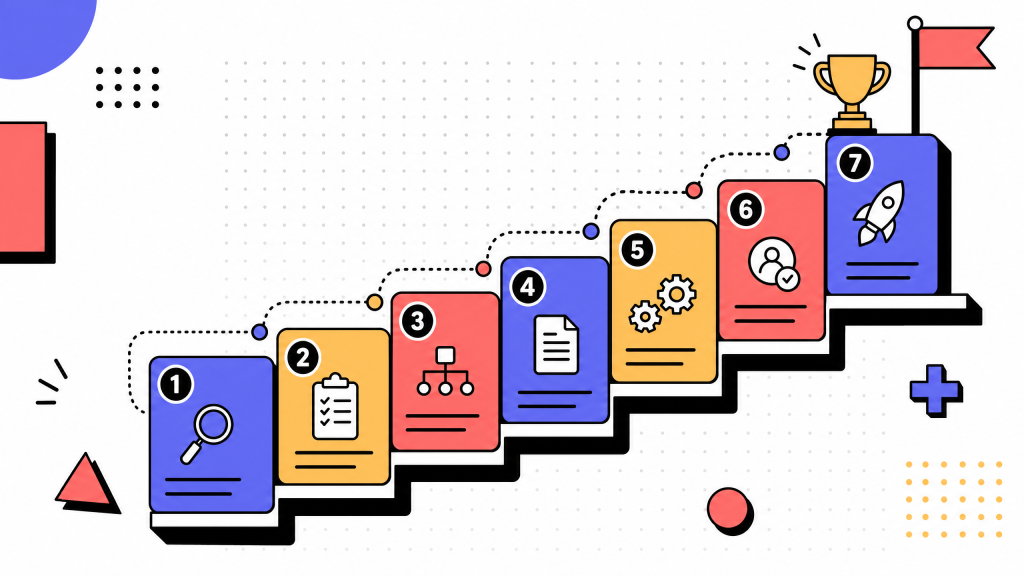
This guide takes a different approach. Instead of recommending one vendor, it explains what employee onboarding software does, the four product categories competing for the term, and a five-step framework for evaluating any tool in the space.
Vendor lists change. A good buying framework lasts longer.
Key takeaways
- Employee onboarding software is HR technology that automates pre-day-one paperwork, day-one setup, and the first 30 to 90 days of a new hire's experience. It is not the same thing as an HRIS, even though many HRIS suites include onboarding.
- The category splits into four product types: standalone onboarding platforms, HRIS/HCM suites with onboarding, applicant tracking systems with onboarding extensions, and workflow or no-code tools configured for onboarding.
- The right choice rarely comes from comparing feature counts. Strong buyers define onboarding outcomes first, then evaluate tools against those outcomes.
- The most expensive buying mistakes are choosing for the manager instead of the new hire, optimizing for the longest feature list, skipping integrations, ignoring offboarding, and trusting an AI demo too much.
- AI has changed onboarding software, but not always in the ways vendors claim. Document auto-fill and adaptive task lists are useful. Conversational chatbots and generative welcome videos still need caution.
What is employee onboarding software?
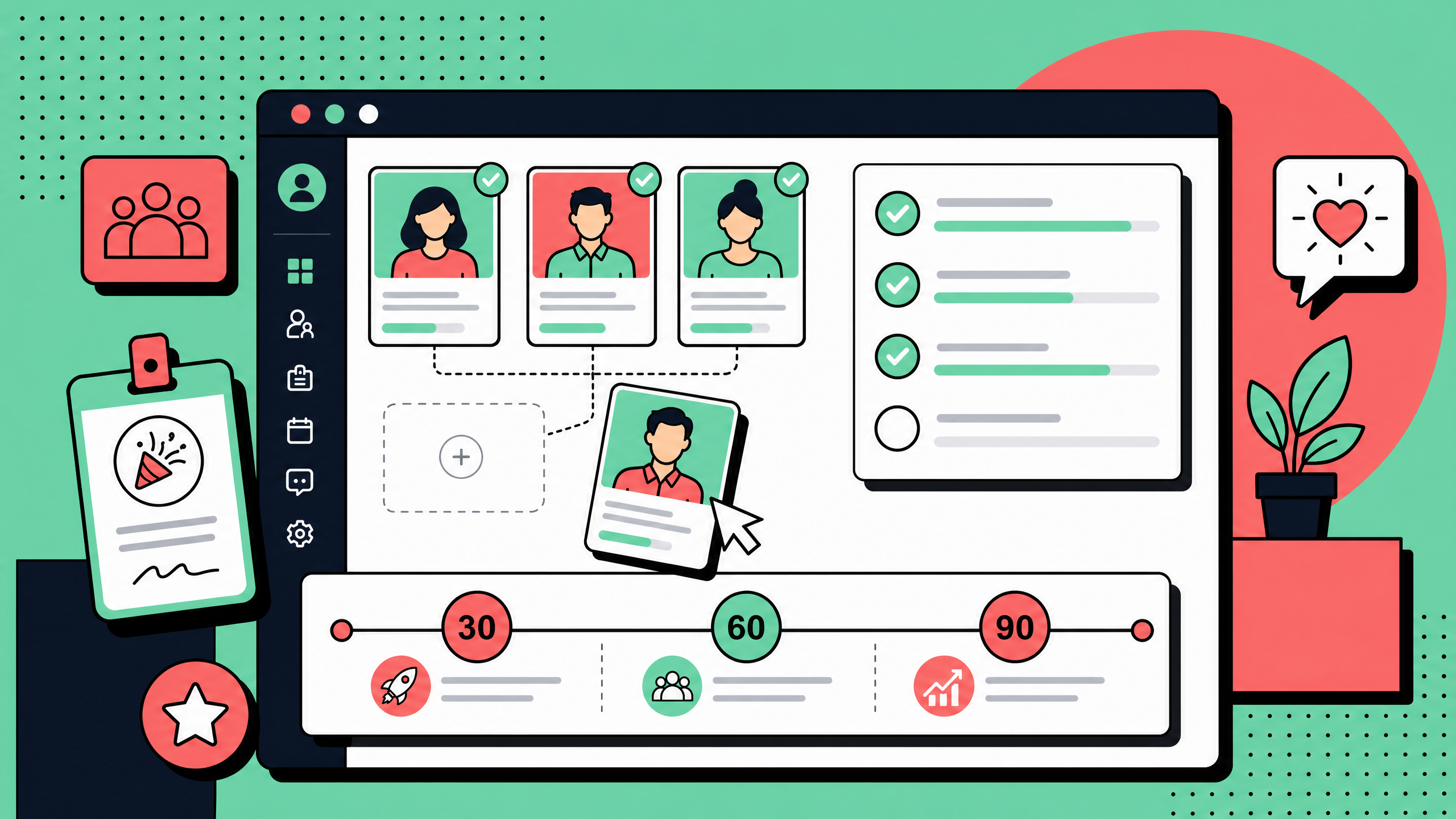
Employee onboarding software is HR technology that automates the workflows a new hire goes through from offer acceptance through their first 30 to 90 days.
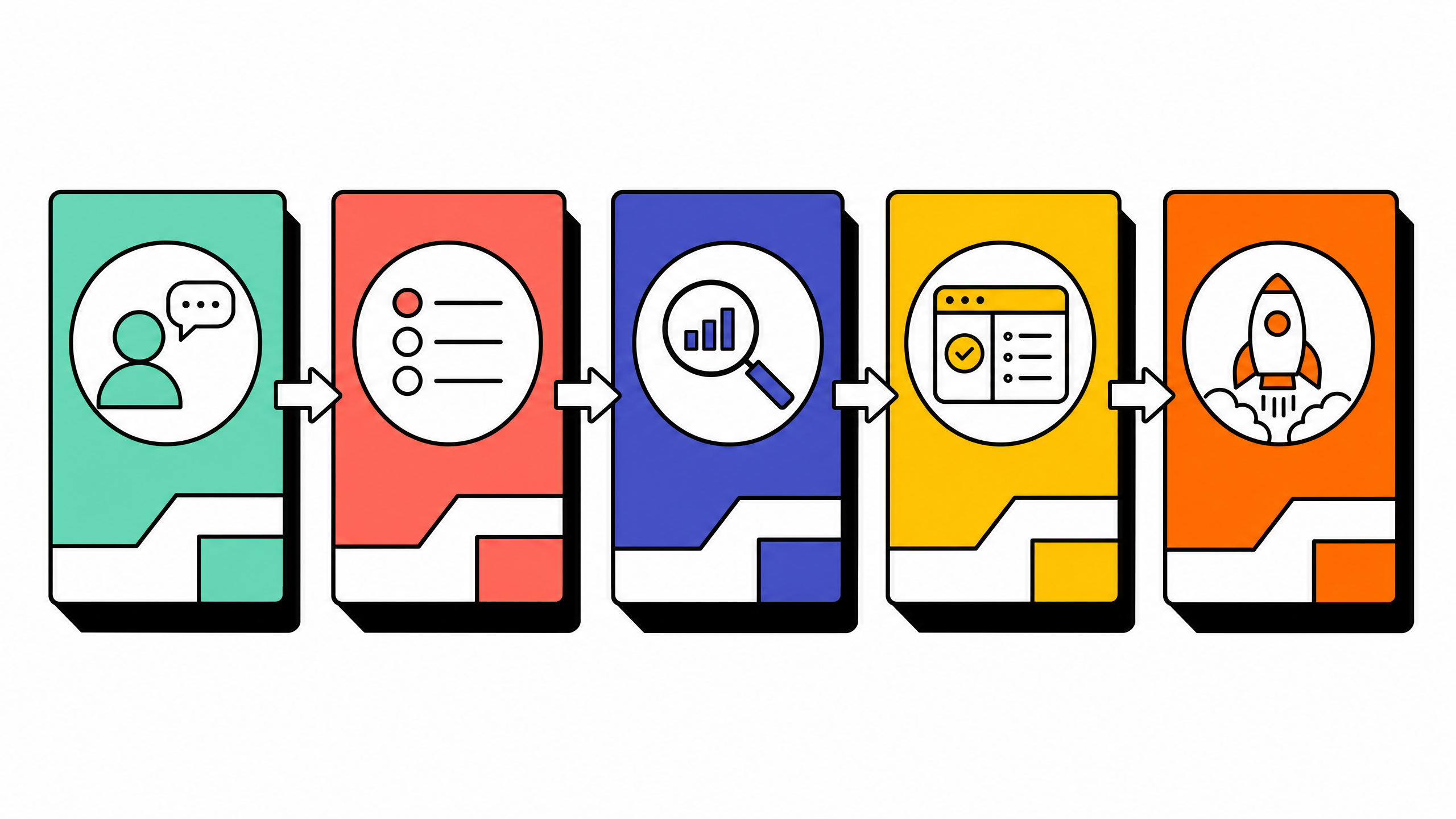
That usually includes:
- Document collection
- E-signature
- IT provisioning
- Task assignment
- Training
- Welcome content
- Manager check-ins
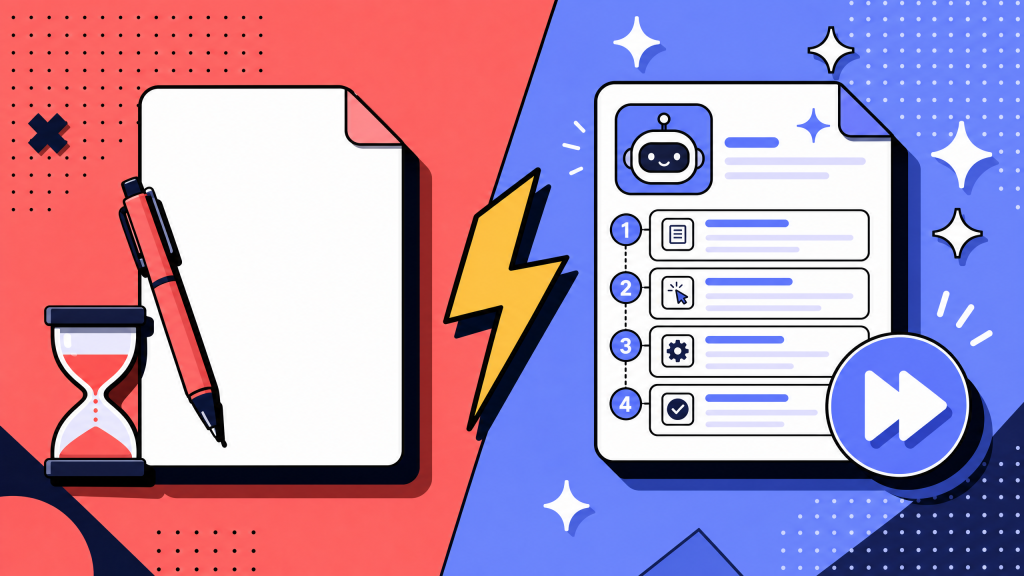
Its job is to replace the spreadsheet-and-email pattern many teams still use by default, where each new hire's experience depends on whoever remembers to send the next message or assign the next task.
Good onboarding software does three things at once.
First, it handles the compliance side: contracts, tax forms, policy acknowledgements, and other documents that need to be signed and stored correctly.
Second, it coordinates the operational side: laptop shipping, account creation, access provisioning, payroll setup, benefits, and tool access.
Third, it shapes the experience side: welcome content, manager reminders, peer introductions, training paths, and early check-ins.
Most tools are stronger in one of those areas than the others. That is the most important thing to understand before comparing vendors. If you have been writing onboarding instructions in Word docs and Google Sheets, you may also want to read our guide to document workflows without writing a single word before you commit to a tool.
Why employee onboarding software matters in 2026
Three things have made onboarding software more important over the last few years.
First, remote and hybrid hiring are now normal for many knowledge-work teams. You can no longer rely on someone walking a new hire around the office, introducing them to people, and fixing setup issues in person.
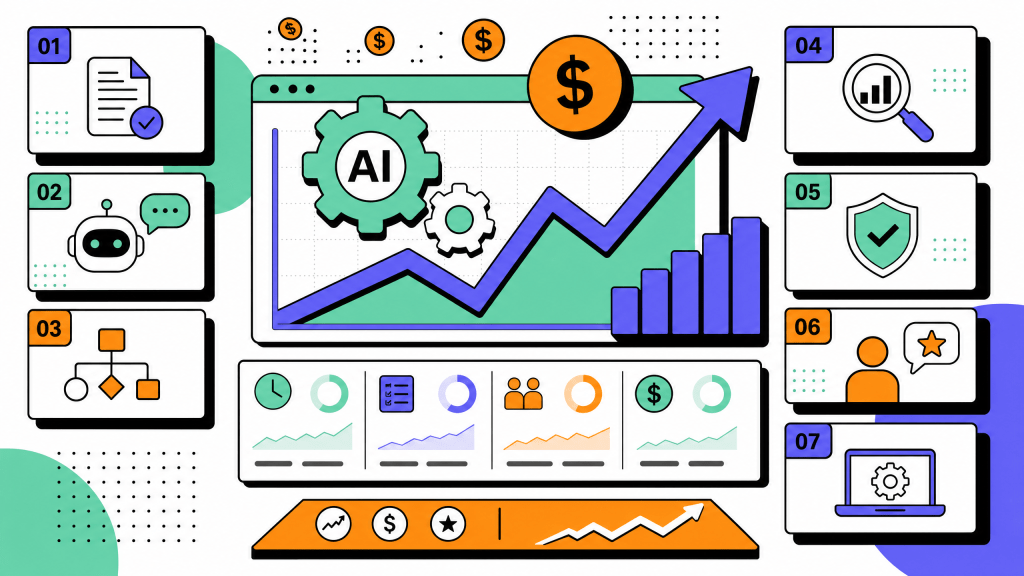
Second, AI features have moved from demos into real workflows. Document parsing, form auto-fill, adaptive task lists, and draft onboarding content can now remove real administrative work when implemented well.
Third, early-tenure attrition is getting more attention from leadership. A poor first week is no longer seen as just an HR problem. It affects retention, productivity, manager time, and hiring cost.
The result is that buying decisions made in 2024 may no longer hold up. The bar has moved up across experience, compliance, and integrations at the same time.
The four categories of employee onboarding software
“Employee onboarding software” is not one product type. It covers four categories that may look similar in marketing copy but feel very different in practice.
Understanding which category you need is the biggest time-saver in the buying process.
1. Standalone onboarding platforms
These products are built only for onboarding. They tend to have the strongest new-hire experience, the most polished welcome content, and the best mobile flows for preboarding. They are often weaker on the deeper HR side. They do not handle payroll, do not own the employee record long-term, and need to integrate with whatever HRIS is your system of record. Pick this category when the new-hire experience is your primary goal and you are willing to keep at least one other HR system in the stack.
2. HRIS / HCM suites with built-in onboarding
The onboarding feature here is one module of a broader HR platform. The strength is that the new hire flows directly into the system that already owns payroll, benefits, time off, and the employee record. That single fact removes a class of integration headaches. The weakness is that the onboarding module is rarely the part of the product the vendor invests in most. The experience tends to be functional rather than great. Pick this category when you want one HR system of record and are okay with onboarding being a solid B+ rather than an A.
3. Applicant tracking systems with onboarding extensions
These are recruiting platforms that added onboarding so the candidate-to-employee transition stays inside one system. The strength is data continuity: the offer, the candidate notes, the start date, and the role information all flow into onboarding without re-entry. The weakness is depth, since most of these onboarding modules are thinner than either category 1 or category 2. Pick this category when you are recruiting-heavy, run high candidate volume, and care more about the handoff than the deep onboarding experience.
4. Workflow or no-code tools used for onboarding
This is not really an HR product category. It is general-purpose automation tooling configured to run onboarding across the systems you already use. The strength is flexibility. You can design a custom onboarding process without adding another HR vendor.
The weakness is ownership. Your team now has to design, build, maintain, and troubleshoot the workflow. Pick this category if you have a strong internal automation culture and a hiring volume small enough that a custom build makes sense.
For the documentation side of that build, see our guide to workflow documentation software.
How to choose the right employee onboarding software
The strongest buying processes follow the same five steps. Skipping one is usually what creates the regret-purchase pattern teams describe six months later. The same logic underlies our broader guide on how to compare process documentation tools before you buy; the framework adapts cleanly to onboarding.
Step 1: Define the onboarding outcomes you actually need
Before reading reviews or booking demos, define what onboarding should improve.
Examples:
- Time to first productive day under 14 days
- Day-one IT readiness above 95%
- 90-day retention above 90%
- Manager check-in completion above 80%
- New-hire satisfaction above a defined score
- Keep the list short: five to seven outcomes maximum.
- Every later decision should be scored against these outcomes. Otherwise, the buying process gets pulled toward feature lists and polished demos.
Step 2: Map your existing HR stack
List every system that touches the new hire today: ATS, HRIS, payroll, benefits, IT provisioning, learning management, identity provider, expense, communication. For each one, write down whether you intend to keep it, replace it, or wrap it. The onboarding tool you pick has to fit this map. The most common buying mistake is picking a product that requires you to replace a system you said you would keep.
Step 3: Score on six must-have capabilities
Most onboarding products claim to have the same features. The real question is whether they do them well.
Score each tool from 1 to 5 on these six capabilities:
- Pre-day-one workflows that run before the new hire logs in
- Document collection and e-signature with compliance coverage
- Role-based task templates for different teams and seniority levels
- Integrations with HRIS, payroll, identity, and IT provisioning
- Welcome content and culture experience that people actually engage with
- Manager and buddy workflows with reminders and completion tracking
- Anything below 3 on a must-have should be treated as a serious warning.
Step 4: Score on three deal-breakers
These are the problems that usually show up after launch.
Mobile experience Many new hires complete preboarding on their phone. If the mobile flow is clumsy, you create friction before day one.
Data export Ask how to export documents, workflow history, and task libraries before signing. If the answer is vague, that is a lock-in signal.
Pricing model Per-seat pricing is usually predictable. Per-hire pricing can create surprises during hiring spikes. Read the contract carefully.
Step 5: Run a structured pilot, not a feature demo
Do not buy based on a sales demo.
Run a 30-day pilot with real or simulated new hires. Measure the outcomes you defined in step one. A demo shows what the product can do in ideal conditions. A pilot shows what it does with your workflows, your managers, your systems, and your new hires.
If a vendor will not support a structured pilot, treat that as a signal.
Buyer's framework takeaways
Start with outcomes, not features.
Map your HR stack before you shortlist tools.
Score must-have capabilities against the outcomes that matter to your team.
Test mobile experience, export paths, and pricing model before signing.
Pilots are more useful than demos.
Common mistakes when buying employee onboarding software
The same mistakes show up across teams that choose the wrong tool.
Buying for the manager, not the new hire
A manager may love a dashboard. The new hire may still find the experience confusing.
Those are not the same thing.
The new hire is the person going through the workflow. If the tool makes internal tracking easier but creates a dull, clunky, or impersonal experience for the employee, it has missed the point. Onboarding should reduce admin work, but not at the cost of the new-hire experience.
Choosing the platform with the most features
Feature count is not product fit.
Most teams do not use half the features they buy. Every unused feature adds noise, training overhead, or implementation work.
Score the tool against your outcomes, not against a vendor's longest feature list.
Skipping the integration check
Integration failures are one of the most expensive surprises in this category.
A product can look great in isolation and still fail because payroll sync is unreliable, the identity provider connection breaks, or the HRIS cannot accept the new-hire data cleanly.
Test integrations during evaluation, not after signing.
Ignoring the offboarding side
Onboarding and offboarding are connected.
A tool that handles onboarding but ignores offboarding may create problems later with access removal, equipment recovery, compliance records, and rehire paths.
Ask explicitly how the product handles offboarding before you commit.
Letting the AI demo decide
Every vendor has an AI demo now.
Demos are scripted, polished, and usually built on clean sample data. That is not the same as production.
Ask for evidence that AI features are being used with real customers, real new hires, and real workflows. Also ask what failure modes they have seen.
That answer is often more useful than the demo itself.
Anti-pattern takeaways
Buy for the new hire, not just the manager.
Score against outcomes, not feature matrices.
Test integrations and offboarding before signing.
Do not let a polished AI demo replace a real pilot.
How AI is changing employee onboarding software in 2026
AI has changed onboarding software, but the useful changes are narrower than the marketing suggests. Some AI features are genuinely helpful. Others still look better in demos than they work in production.
Document parsing and auto-fill
Modern onboarding tools can extract data from a photographed ID, passport, or prior W-2 and pre-fill new hire forms with it. This shaved 40 to 60 minutes off the average pre-day-one paperwork load in the teams we have measured. The technology is mature enough to weight in your evaluation as a real win, not a demo.
Adaptive task lists
The tool can skip or surface tasks based on the new hire's prior role experience and the data it already has. A senior engineer joining their fourth startup does not need the same training path as a new graduate, and the better tools now reflect that without manual configuration. This works best when the underlying task templates are already role-segmented; AI cannot fix a template library that was built around a single generic path.
Personalized content drafts
Welcome emails, role-specific FAQs, and team-introduction blurbs can be drafted by AI and reviewed by a human in minutes instead of hours. The tools that get this right keep a human in the loop. The tools that fully automate it produce content the new hire can spot as generic on first read. Treat AI-drafted welcome content as a first draft, not a finished asset.
Conversational chatbots and generative video still over-promise
Two AI features sound great in a demo and fall short in production. Conversational chatbots that answer new-hire questions are usable for password resets and similar low-stakes queries. They routinely give wrong answers on policy questions and create their own escalation problem. Generative welcome videos exist and render quickly, but they look uncanny enough that most new hires would rather have a real one-minute clip from their manager. The good vendors will tell you both of those things on a call. The bad ones will sell them as headline features. For deeper coverage of this trade-off across documentation work, see our overview of AI-assisted process documentation.
AI takeaways
Document auto-fill and adaptive task lists are real wins.
AI-drafted content is useful when reviewed by a human.
Chatbots and generative video still need caution.
Ask for customer proof that AI features have worked in production, not just in demos.
FAQ
What is employee onboarding software?
Employee onboarding software is HR technology that automates the workflows new hires go through from offer acceptance through the first 30 to 90 days. It usually covers document collection, e-signature, IT provisioning, task assignment, training, and welcome content.
How is employee onboarding software different from HR software?
HR software is broader. It includes payroll, benefits, time off, performance, and the long-term employee record. Employee onboarding software focuses on the transition from candidate to productive employee.
What features should employee onboarding software have?
Look for pre-day-one workflows, document collection and e-signature, role-based task templates, integrations with HRIS/payroll/identity/IT systems, welcome content, and manager or buddy workflows.
How much does employee onboarding software cost?
Most products use either per-seat pricing or per-hire pricing. Per-seat pricing is usually more predictable. Per-hire pricing can become expensive during hiring spikes. Treat public pricing as a range, not a quote.
Is there free employee onboarding software?
Some vendors offer free tiers, usually with limits. Free tools can work for very small teams or testing, but they rarely include the integration depth or compliance coverage growing companies need.
Can ChatGPT do employee onboarding?
ChatGPT can draft welcome content, FAQs, and onboarding documentation. It cannot collect signed legal documents, integrate with payroll, provision accounts, or manage the onboarding workflow over time. It is a support tool, not an onboarding system.
Do small businesses need employee onboarding software?
Small businesses can start with spreadsheets and email. The right time to buy is when manual onboarding creates measurable problems: missed paperwork, late equipment, repeated questions, or a chaotic first week.