The internal wiki does not always keep up.
A runbook still shows screenshots from last quarter's console. A deployment guide references a button that no longer exists. A new hire follows step five, gets stuck, and asks the same question the last person asked.
Nobody meant to neglect the documentation. The default tools were built for slower-moving work.
This guide explains where runbooks, deployment docs, incident response runbooks, workflow documentation, and capture-first guides fit inside a modern technical documentation stack.
Key takeaways
- Runbooks work best when they are short, testable, and clearly owned.
- Wikis are still useful for stable narrative documentation, policies, architecture notes, and reference material.
- Capture-first documentation is useful for UI-heavy workflows in web consoles and SaaS tools that change often.
- Browser capture does not replace API docs, terminal-heavy procedures, deep technical design docs, or full in-app digital adoption platforms.
- If you evaluate Get Haiku, tier limits and exports live on gethaiku.ai/pricing; desktop capture remains coming soon in the public matrix until that row changes. Product boundaries for engineering claims belong on the live site, especially how it works and compare, not paraphrase from memory.
- Engineering, platform, and reliability teams ship changes every week. The internal wiki still shows screenshots from last quarter's console. New hires open a runbook and step five references a button that no longer exists. Nobody set out to neglect technical documentation. The default tools were just built for slower change.
Why wiki-first technical documentation falls behind
Wikis and knowledge base software are excellent when the goal is stable reference material: architecture decisions, policy, onboarding narratives, and long-form explanations. They struggle when the underlying product is a web console, internal admin tool, or SaaS workflow that changes monthly. The cost of updating every screenshot and label by hand is high, so pages rot quietly.
That gap shows up during incidents, releases, and handoffs. People fall back to tribal knowledge in chat, which does not scale across time zones or attrition.
What is a runbook?
A runbook is a structured procedure your team follows for a known situation. In operations and DevOps practice, people often use runbook to mean the checklist an on-call engineer executes during an alert, a deployment sequence, or a recovery path. Security teams may pair runbooks with playbooks; naming varies by org, but the core idea is the same: ordered steps, decision points, and verification so the next person can reproduce the work.
Related searches cluster around definitions and how-to phrasing, for example what is a runbook, what is a runbook in DevOps, how to create a runbook, and how to write a runbook. Answering those plainly in one place helps both humans and search systems understand the page.
Deployment runbook
A deployment runbook tracks a release path: prechecks, progressive rollout, smoke tests, and rollback criteria. Search volume for the exact phrase deployment runbook is smaller than for runbook overall, but commercial intent tends to be high because the reader is often mid-release design. Keep the document short enough that the owning team will touch it every time the pipeline or UI changes.
Incident response runbook
An incident response runbook focuses on diagnosis and mitigation when telemetry fires: who pulls logs, how to isolate blast radius, communication steps, and when to escalate. Pair it with paging policy and severity definitions so on-call engineers know which runbook applies. Like deployment runbooks, incident response runbooks decay quickly when consoles move unless someone owns updates.
If you standardize templates, keep titles consistent, and version each runbook, you make it easier for platform engineering and SRE leads to review changes the same way they review code.
How to document a process engineers will reuse
Process documentation for technical teams works when it is short, testable, and owned.
Start from the trigger, not the tool. Write one sentence on when to open this runbook, for example "during canary deploy for service X" or "when queue depth exceeds threshold Y."
Capture the happy path first, then branches. Readers should reach success on the common case without reading every edge case.
Prefer screenshots and UI anchors for web-based steps. Command snippets belong in code blocks with comments on required context, secrets handling, and blast radius.
Add verification after fragile steps. Say what "good" looks like so someone at 3 a.m. knows they are not making it worse.
Assign an owner and a review cadence tied to releases. If a service ships weekly, the runbook needs a lightweight review in the same rhythm.
Link out to deeper technical documentation where depth belongs. The runbook is the path; the design doc is the why.
That sequence matches intent behind searches such as how to document a process and what is process documentation, which sit under the broader parent topic of process documentation.
Workflow documentation and software documentation tools
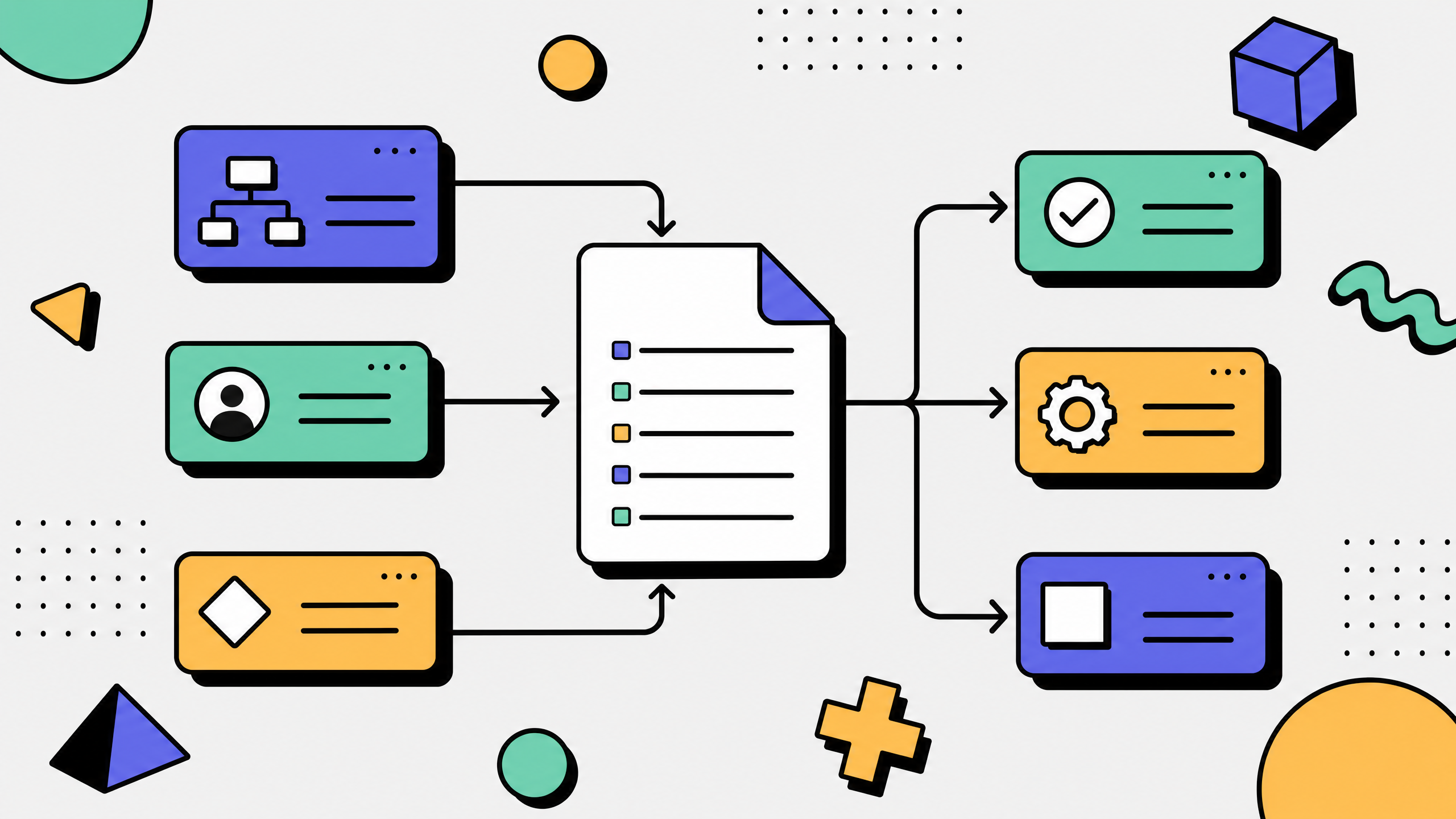
Workflow documentation sits between people and systems.
It explains what someone does and how the system responds.
Software documentation tools can include:
- Wikis
- Static site generators
- API documentation tools
- Diagramming tools
- Knowledge bases
- Capture-first guide tools
- Incident management documentation
- Internal developer portals
- Most teams do not need one tool for everything.
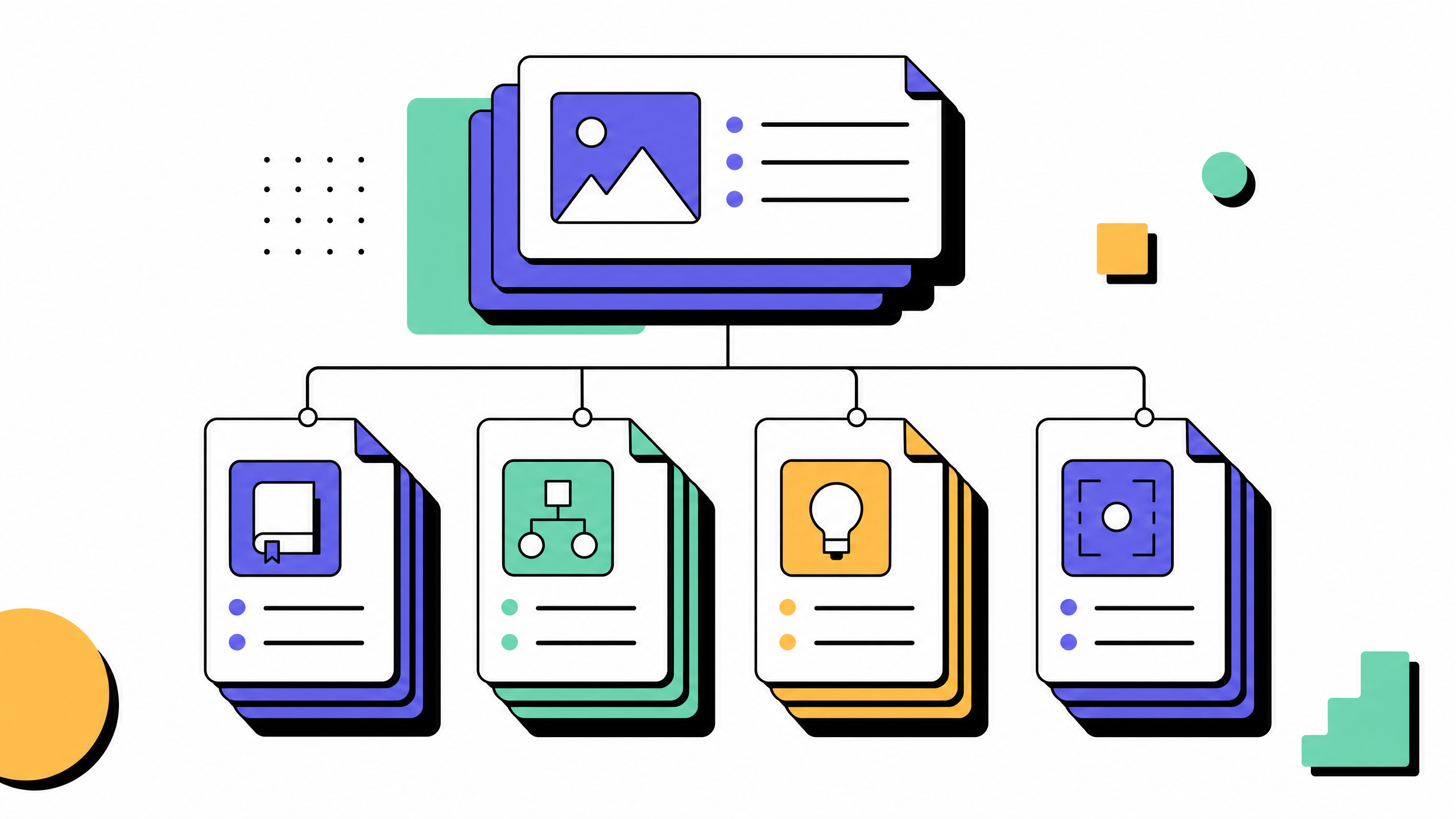
- A better stack is usually:
- A knowledge base for durable prose
- A repo or developer portal for code-adjacent truth
- A runbook library for operational procedures
- A capture-first tool for UI-heavy workflows that change often
- The goal is not to centralize every artifact into one product. The goal is to put each artifact where it will stay accurate and useful.
- When browser capture helps (and when it does not)
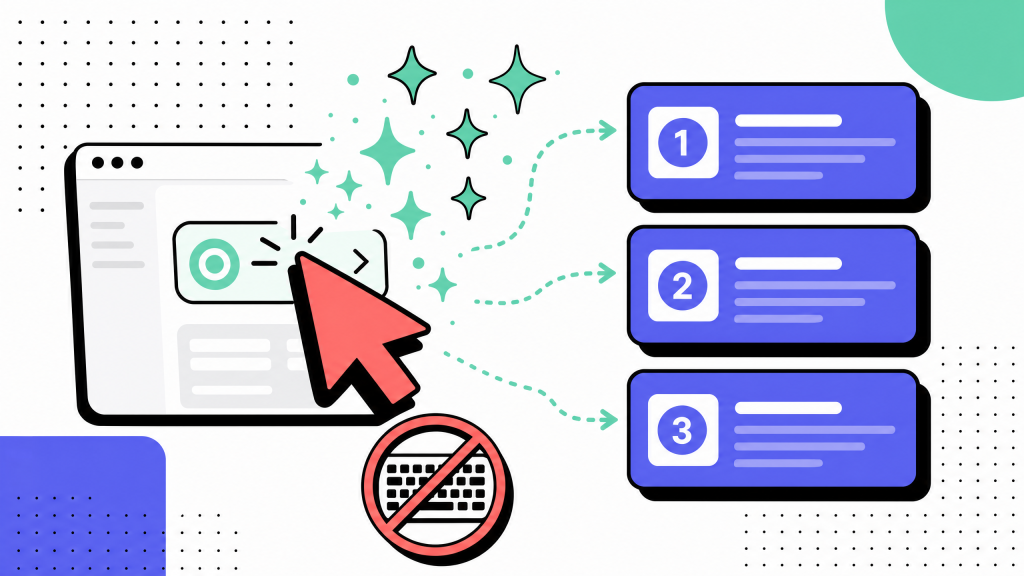
Many internal tools and cloud consoles today are web applications. For those surfaces, capture-first documentation can produce numbered steps with screenshots faster than manual wiki edits. That pattern fits deployment flows and parts of incident response where engineers click through a known console path.
It is not a replacement for deep technical documentation of APIs, kernel-level work, or long-running terminal sessions. Teams that live mostly in IDEs and shells still need traditional artifacts there. Be explicit about scope so readers trust the rest of the page.
Where Get Haiku fits
Get Haiku is a browser-led workflow capture product built by WalkMe. It records actions in a Chrome tab, generates step-by-step guides with editable AI draft copy, and supports sharing and exports per the live pricing matrix. It targets web-based internal tools and SaaS UIs, which matches many deployment and response flows that happen in consoles rather than only on the command line.
It does not replace your knowledge base software. It is a complement for the pages that otherwise go stale fastest. Desktop capture is listed as coming soon on pricing, so plan around browser workflows today. Guides do not self-heal when a vendor redesigns a UI; owners re-record or edit, which is still usually cheaper than rewriting a long wiki article by hand.
Official compare copy may reference in-app walkthroughs via WalkMe as ecosystem positioning. That is not the same as claiming the Haiku extension alone delivers full digital adoption overlays across every app.
For product boundaries and tier facts, rely on gethaiku.ai, how it works, use cases, integrations, pricing, and compare before you promise capabilities in a procurement thread.
FAQs
What is a runbook in DevOps?
A runbook is a procedure used to execute a known operational task, such as responding to an alert, running a deployment, or performing a recovery step. It should read like a checklist with verification, not a broad overview.
How do I create a runbook for deployment or incidents?
Start with the trigger, document the happy path, add verification after risky steps, include branches for known failures, link to deeper technical docs, assign an owner, and set a review cadence. Use capture-first tools for web-console steps and version-controlled text for CLI-heavy steps.
What is process documentation?
Process documentation explains how work flows across people and systems. Runbooks are one type of process documentation focused on repeatable technical execution.
Why do technical guides beat static wiki pages for fast-moving UIs?
Static wiki pages often decay when the UI changes. Short, owned runbooks or capture-backed guides are easier to refresh and more useful during incidents, deployments, and onboarding.
Does workflow capture replace our knowledge base?
No. Knowledge bases still work well for long-lived articles, policies, architecture notes, and onboarding narratives. Capture-first documentation works best for short, UI-heavy workflows that change often.