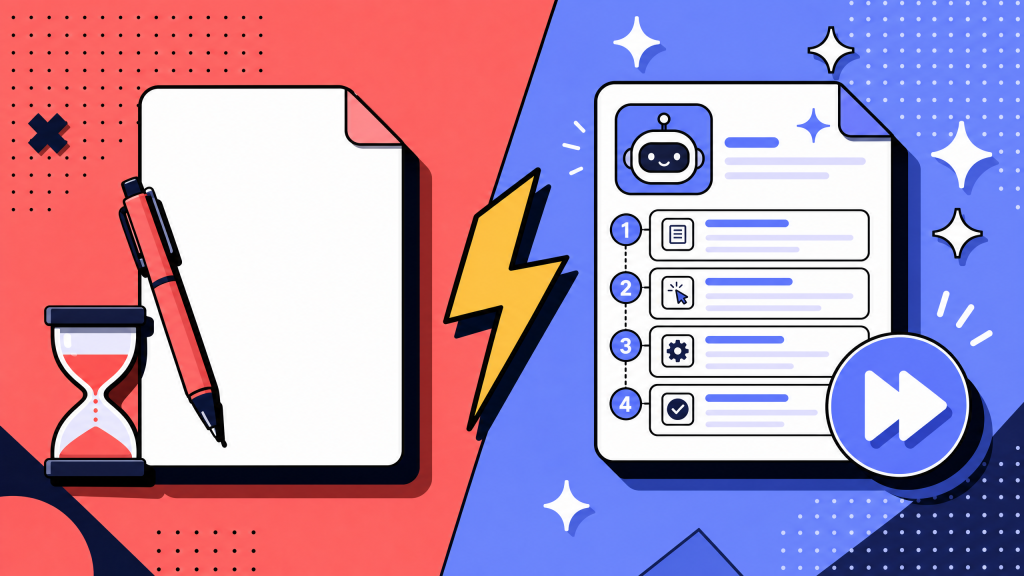
Two years ago, this was still experimental. In 2026, it is becoming the default starting point for teams that need to document more than a handful of processes every quarter.
The hard part is no longer whether AI can draft a document. It can.
The harder questions are:
- Which use cases actually pay back?
- What benefits show up in measurable ways?
- Where does the ROI break?
- This guide answers those questions with seven use cases, the benefits teams can expect, and a simple ROI calculation you can run on your own documentation work.
Key takeaways
- AI process documentation uses LLMs, screen recording, and voice transcription to draft, format, retrieve, and maintain SOPs. It does not replace human review.
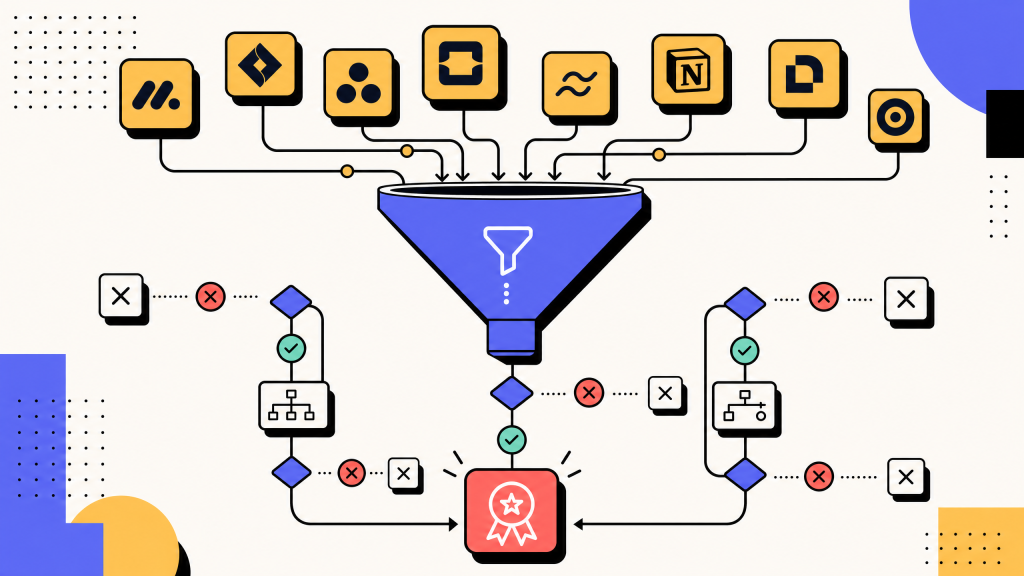
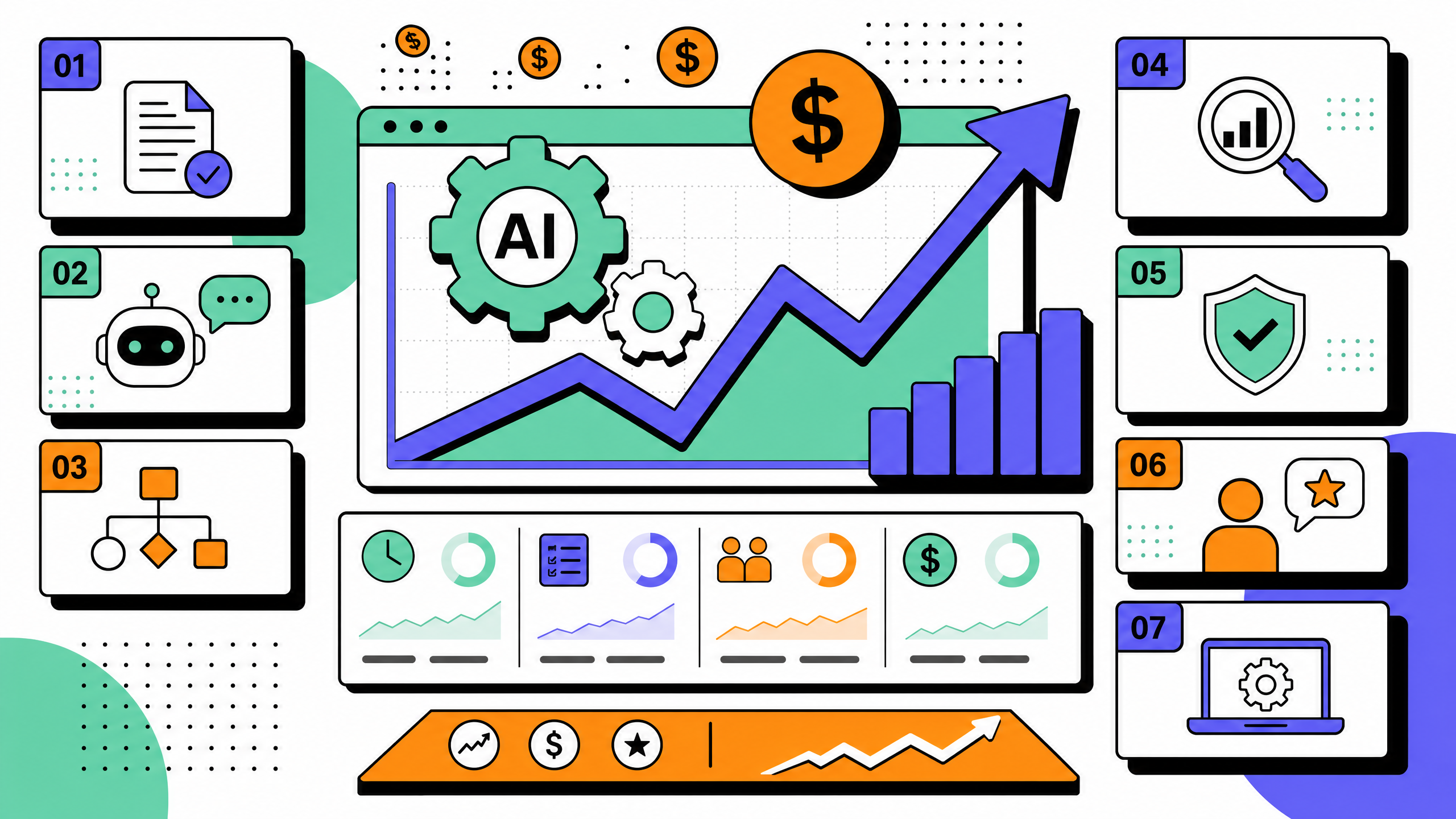
- The seven use cases that pay back most reliably are voice-to-SOP capture, screen-recording-to-SOP, auto-formatting, change-detection updates, translation, semantic search, and onboarding chatbots that answer from the SOP wiki.
- The biggest measurable benefits are lower drafting time, higher SOP coverage, faster new-hire ramp, more consistent formatting, and lower documentation debt over time.
- ROI depends heavily on inputs. AI pays back when teams use it to document the right processes and keep a human review step. It breaks when teams publish AI output without review or document low-value workflows.
- AI handles mechanical work: capture, formatting, translation, retrieval. Humans still handle judgment: what to document, what is correct, and who owns the SOP after publication.
What is AI process documentation?
AI process documentation is the application of artificial intelligence to the creation, formatting, retrieval, and maintenance of process documentation, including standard operating procedures (SOPs), runbooks, and how-to guides. The most common AI inputs are screen recordings, voice narration, existing prose drafts, and unstructured chat or email exchanges. The most common AI outputs are structured SOP drafts, auto-fitted templates, translated copy, and search results pulled from the SOP wiki.
The category includes purpose-built process-documentation tools, generic large-language-model assistants used through prompts, and embedded AI features inside wiki platforms. The boundary is not the tool. The boundary is whether the AI is being applied to a documentation task that previously required a human writing in prose, copying a template, or manually updating a wiki entry.
For the underlying step-by-step methodology of writing an SOP at all (with or without AI), see our guide on how to create standard operating procedures.
Why AI process documentation matters in 2026
Three things changed between 2024 and 2026 that made AI process documentation more useful.
Capture is now reliable enough for first drafts
Voice and screen-recording tools can now produce usable first drafts from real workflow sessions. The draft is not finished, but it is enough to remove the blank page.
That matters because the blank page is where most documentation work stalls. A rough draft that needs editing is still better than no draft.
Auto-formatting against a template works without inventing steps
LLMs are now reliable enough to fit a draft to a fixed template without inventing steps. This was the biggest blocker in 2024. Teams would get a credible draft from a recording but still have to manually rewrite it into their wiki's template format. In 2026 the auto-formatting layer works well enough that the human reviewer can focus on the operator's point of view rather than the page layout.
AI features now ship inside existing wiki tools
Many AI documentation features that used to require a separate tool now appear inside wiki platforms, knowledge bases, and workplace assistants.
That changes the cost equation.
For teams shipping more than a few SOPs each quarter, AI-assisted drafting is no longer a “nice to have.” It is often the cheaper way to get the work done.
7 use cases for AI process documentation
The use cases below are ranked by how reliably they pay back. The first three are the most mature. The later ones can be valuable, but they require stronger process discipline.
Use case 1: voice-to-SOP capture from subject-matter experts
A subject-matter expert talks through a process while doing it. The tool transcribes the narration, structures the transcript, and turns it into a draft SOP.
This works well when the process is explanation-heavy: approval flows, escalation paths, exception handling, policy-driven decisions.
It saves time because the expert does not have to sit down and write. They just explain the work once.
The limitation is that voice alone cannot see the interface. If the process depends heavily on screens, buttons, fields, or tool navigation, screen capture usually works better.
Use case 2: screen-recording-to-SOP for software-driven workflows
The expert performs the task while screen-recording. Modern process-capture tools transcribe each click, identify the application and screen, capture annotated screenshots, and produce a step-by-step draft with embedded images. A human reviewer trims, corrects, and ships.
For software-driven workflows this is the most reliable AI use case in 2026. The AI is operating on observable signal (clicks, screen state, copy in the UI) rather than inferring intent. The risk is that the AI documents what the expert did, not what should have been done. The fresh-eyes test in step 5 of the seven-step SOP framework is still required. For more on capture-first workflows, see our guide on how teams document workflows without writing a single word.
Use case 3: auto-formatting drafts against a template
Once a draft exists, an LLM can fit it to a fixed template. Headings, scope blocks, owner-and-version metadata, and step numbering can be normalized in seconds. This works because the formatting task is mechanical: the LLM is matching the draft to a template, not inventing content.
Auto-formatting only pays back if the team has actually committed to a single template. AI cannot pick the template for the team, and it cannot enforce a template across a wiki where every SOP already looks different. For a reference template, see our standard operating procedure template guide.
Use case 4: change-detection and update drafting
AI can compare a new capture, transcript, or workflow note against the published SOP and flag where the process no longer matches.
It can also draft suggested updates for the owner to review.
This is useful because maintenance is where documentation usually fails. Most teams create SOPs once and let them decay.
The limitation is that AI can identify a mismatch, but it cannot decide whether the mismatch is a real process change or a one-off mistake. A human owner still needs to approve the update.
Use case 5: multi-language translation and reading-level normalization
For distributed teams, AI can translate SOPs while preserving structure: headings, steps, numbering, scope, and warnings.
It can also adjust reading level. For example, a technical SOP written by engineers can be rewritten for contractors, fulfillment teams, or non-technical operators.
This is useful when teams need one process to work across locations and skill levels.
The risk is terminology drift. For domain-specific processes, teams should maintain a glossary and require the AI to use it.
Use case 6: semantic search and retrieval inside the SOP wiki
LLM-based search across the SOP wiki lets an operator ask a question in plain language. The classic example is "how do I escalate a billing dispute over 5,000 dollars?". The system returns a passage-level answer with a link to the source SOP. This was hard to do well in 2024 because of false-positive retrieval. In 2026 the retrieval layer is mature enough that the bottleneck has flipped. The AI can find the right SOP. The team has not written enough SOPs for the AI to find anything useful.
When the wiki is populated, this use case is the one that gets the most internal love from non-technical users. They never had a working search inside the wiki before. Now they do.
Use case 7: onboarding chatbots that answer from the SOP wiki
A specific application of the retrieval layer above. A new hire asks a chatbot a question; the chatbot answers using passages from the SOP wiki and cites the SOP it pulled from. This compresses the first two weeks of new-hire questions into a chat-window habit. It also surfaces SOP gaps quickly because the chatbot will tell the new hire when no SOP covers the question.
The risk is hallucination. A chatbot that confidently answers from a non-existent SOP is worse than no chatbot. The fix is to require source citation on every answer and to alert the SOP owner when the chatbot answers from an unsupported retrieval.
Use cases takeaways
Use cases 1 to 3 — capture and formatting — are the most mature and usually pay back fastest.
Use cases 4 and 5 — change detection and translation — work well when each SOP has an owner and the team has clear terminology.
Use cases 6 and 7 — search and chatbots — only pay back once the SOP library has enough coverage. Build the documentation first.
Benefits of AI process documentation
The benefits below are the ones teams usually feel first. The size of the benefit depends on how mature the documentation process was before AI.
Benefit 1: 60 to 80 percent lower drafting time per SOP
A first draft of a 1-screen SOP used to take 90 to 120 minutes of writing time. The same draft now takes 15 to 30 minutes of capture time plus 20 to 30 minutes of review time. The biggest variance is the review pass. It depends on whether the team already has a template and whether the SOP is operator-facing or compliance-facing.
Benefit 2: 2 to 3 times higher SOP coverage of the team's actual processes
Most teams under-document. They have written SOPs for the processes that someone happened to find time to write, not for the processes that actually need an SOP. AI-assisted drafting is fast enough that teams write SOPs they would otherwise have skipped. Coverage of "processes the team runs more than once a month" goes from 30 to 40 percent at most teams to 70 to 90 percent within two quarters.
Benefit 3: 30 to 50 percent faster new-hire ramp
Better SOP coverage, semantic search, and onboarding chatbots together reduce new-hire question volume. New hires ask fewer "where do I find" and "how do I do" questions during their first month. The teams we have measured see a 30 to 50 percent reduction in new-hire ramp time, measured as time from start date to first solo task completion. The size of the reduction depends on how much the team had documented before, not how much they document after.
Benefit 4: more consistent formatting across the wiki
Auto-formatting against a template fixes the wiki-decay problem where every SOP looks slightly different and operators have to relearn the layout each time. After three quarters of using auto-formatting, most teams report that operators find what they need in roughly half the clicks they used to need.
Benefit 5: lower documentation debt over time
Change-detection updates plus scheduled reviews reduce the rate at which SOPs drift out of date. The teams we have measured see SOP-decay rates drop from "most SOPs are wrong within nine months" to "most SOPs are still correct two years out". This is the benefit that compounds.
Benefits takeaways
Drafting time and SOP coverage improve first.
Onboarding speed and wiki consistency improve once the library has enough useful documentation.
Lower documentation debt is the long-term benefit. It matters most for teams running large SOP libraries.
How to calculate the ROI of AI process documentation
ROI calculations for AI process documentation often look impressive on a spreadsheet and break in real life. The version below is the one we use because it sticks to inputs the team can actually measure.
Inputs you need
Three inputs do most of the work in any honest ROI calculation:
- Drafting time saved per SOP Compare the old drafting process with the AI-assisted process.
- Number of SOPs shipped per quarter Be honest about the post-AI count. Most teams ship more documentation once drafting gets easier.
- Cost of the AI tooling Include seat costs, storage, capture limits, or any usage-based fees.
Decay savings (use case 4) and onboarding savings (use case 7) are real but harder to attribute, so they belong in a separate "soft savings" line rather than the main calc. Counting them in the headline ROI inflates the number and burns trust with finance.
A worked ROI calculation for a sample team
Sample team: 50-person operations org. Pre-AI baseline: 4 SOPs per quarter at 2 hours of drafting plus 1 hour of review each. Total: 12 hours per quarter, or roughly 1,800 dollars at fully-loaded labor cost. Post-AI: 10 SOPs per quarter at 0.75 hours of drafting plus 0.5 hours of review each. Total: 12.5 hours per quarter, or roughly 1,875 dollars.
The hours look similar, but the team is now shipping 2.5 times more SOPs per quarter for roughly the same time investment. The headline ROI is not "we saved hours". It is "we got 6 additional SOPs per quarter at zero marginal time cost". The cost of the AI tooling needs to come out of the value of those 6 additional SOPs, not out of the 0.5 hours saved.
When the ROI is negative
The ROI of AI process documentation goes negative in three predictable cases:
- The team uses AI to skip the human review step. The result is published SOPs nobody trusts, which is worse than no SOPs at all.
- The team buys an AI tool before deciding what processes are worth documenting. Coverage goes up, but the new SOPs document low-value processes nobody needed written down.
- The team has fewer than two SOPs per quarter on the roadmap. The fixed cost of the tool exceeds the variable savings. This is rare for ops teams over 30 people, common for ops teams under 10.
- For more on tool selection, see our guide to comparing process documentation tools before you buy.
- ROI takeaways
- The biggest value is usually not hours saved. It is more useful SOPs created at the same time cost.
- Keep onboarding and maintenance benefits as soft savings unless you can measure them directly.
- ROI breaks when teams skip review, document the wrong processes, or do not create enough SOPs to justify the tool.
Common pitfalls when adopting AI process documentation
The four pitfalls below are the failure modes we see most often. Each one is preventable.
Pitfall 1: treating AI output as final
The AI produces a credible-looking draft. The team publishes it without review. Three months later the SOP fails an audit, or a new hire follows a step that was hallucinated and produces a real defect. AI output is a strong first draft, never a final version. The fresh-eyes test from the seven-step framework is still required.
Pitfall 2: skipping a single template
Teams adopt AI-assisted drafting without first picking and locking a single template across the wiki. The AI output looks fine, but each SOP comes back slightly different in shape. The AI is matching whatever heading style was implied by the prompt rather than enforcing a fixed template. The fix is to pick a template once, lock it, and have the AI fit drafts to that exact template.
Pitfall 3: no human owner for the SOP after publication
A common AI-onboarding pattern is to ship 30 SOPs in a single quarter without assigning a human owner to any of them. The SOPs go stale in months. AI can draft and even detect updates, but it cannot own an SOP. Step 6 of the seven-step framework, assigning a named owner, applies regardless of whether the draft was AI-generated.
Pitfall 4: buying tools without process
The most expensive pitfall is buying an enterprise AI process-documentation tool before the team has decided what to document, what template to use, or how often to review. The tool is then blamed when adoption fails. The right order is: pick a process worth documenting, pick a template, pick a review cadence, and only then evaluate which AI tool fits the workflow. For a workflow-side comparison, see our overview of workflow documentation software.
Pitfall takeaways
AI does not fix weak ownership.
Human review is non-negotiable.
A single template matters.
Fix the process before buying the tool.
FAQ
What is the best AI tool for documentation?
There is no single best AI documentation tool. The right choice depends on the use case: voice capture, screen recording, formatting, change detection, or retrieval. Start with the workflow you need to improve, then evaluate tools against that.
What AI can process documents?
Most modern AI models can process and structure document content. For process documentation, the surrounding workflow matters more than the model itself. Look for capture, structured output, retrieval, and review controls.
What is the AI tool to create SOP documents?
Several types of tools can create SOPs: voice-to-SOP tools, screen-recording-to-SOP tools, general AI assistants, and wiki platforms with built-in AI drafting. The best fit depends on whether the process is mostly spoken, mostly clicked, or already written in rough form.
Can ChatGPT do process documentation?
ChatGPT can create a useful first draft from a description, transcript, or screen recording. It cannot watch the process in your tools, test the SOP with a real operator, assign an internal owner, or schedule reviews. Treat it as a drafting assistant, not the full documentation system.
How accurate is AI-generated process documentation in 2026?
AI-generated process documentation can be useful as a first draft, especially when grounded in screen recordings. It is not accurate enough to publish without review. Human testing and review are still required.
Does AI replace human technical writers?
No. AI takes over lower-leverage work like drafting, formatting, translation, and retrieval. Human writers still own structure, judgment, accuracy, audience fit, and quality control.
How does AI process documentation compare to traditional process documentation?
Traditional process documentation is written and maintained manually. AI process documentation keeps the same overall workflow but shifts mechanical work to AI: capture, formatting, translation, retrieval, and update suggestions. Humans still decide what is correct and what should be published.