Most screen recordings die the same way. Someone records a walkthrough to help a teammate, drops the file in a shared drive, and moves on. Six months later that folder holds two hundred clips named "Recording 47" and "Screen Capture Final," none of them titled for what they teach, none searchable, and the one recording that would answer today's question is in there somewhere, unfindable. The recording got made. The knowledge did not get kept.
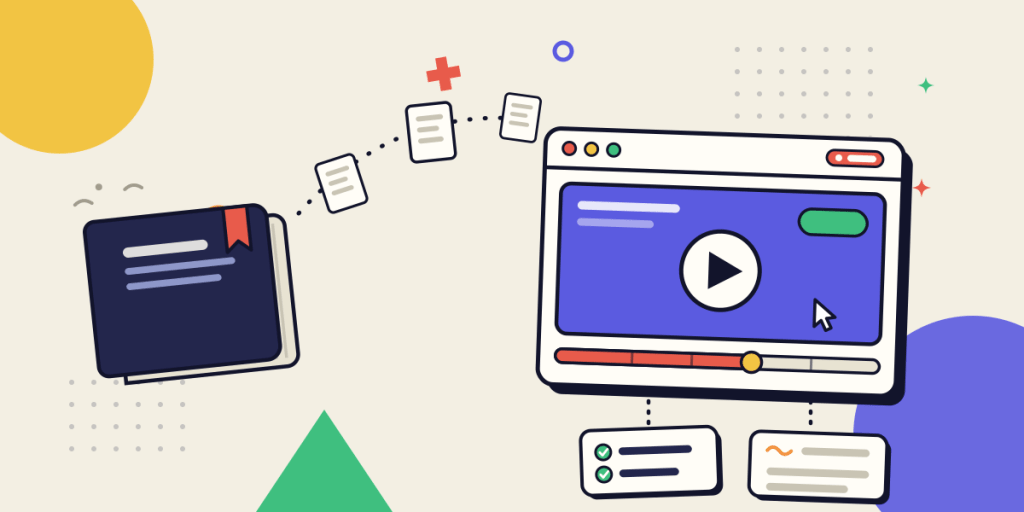
This piece is about the second half of that story. Not whether to record (the case for showing work rather than describing it is the broader shift from written manuals to video, and it is its own subject) but what a recording has to become before it counts as knowledge a team can rely on. Screen recording earns a place in knowledge management as a capture method, and only when it is managed like one.
Key takeaways
- Screen recording is a capture method, not a knowledge system. It becomes a durable asset only after it is indexed, chaptered, owned, and refreshed. Raw recordings are clutter.
- Its real edge is capturing what text misses: the order of operations, the hesitations, and the small recoveries an expert performs without noticing they know them.
- Two cases carry the method almost by themselves: recording a role's core tasks for the next person to hold the seat, and capturing a bug reproduction so an engineer can hand off exactly what they saw.
- A recording retires the synchronous handoff. Explained once and saved, it answers the same question for everyone who hits it next, instead of costing a live meeting every time.
- The failure mode is a folder of lost clips. Chaptering, a transcript, a named owner, and an update trigger are what separate a knowledge asset from digital landfill.
The evolution of knowledge management
Knowledge management used to mean a place: a wiki, shared drive, or documentation system where someone stopped working long enough to write things down. The problem was that the knowledge worth keeping rarely got written. It stayed in people's heads and left when they did.
Two shifts changed that. Teams stopped assuming documentation had to be text, and distributed work made live walkthroughs impossible to scale.
Screen recording sits where those shifts meet. It captures work as it happens and hands it to someone who wasn't there. It doesn't replace the knowledge base. It feeds it. More importantly, it changes what gets captured in the first place. The system of record holds what someone chose to write down. A recording holds what they actually did.
Why screen recording works
Screen recording solves a problem written documentation has always struggled with: preserving how work is actually done instead of relying on someone to remember and describe it afterward. Its value comes from three strengths.
It captures what experts don't think to explain
Screen recording works for one reason that outlasts every other argument: it records the doing, not a description of the doing. When an expert performs a task, much of what makes them expert never reaches words. They know which of two identical buttons is the correct one, that the export hangs for a second before it succeeds, and that you check the second tab before you submit. Ask them to write the procedure and those details disappear because they don't know that they know them. Record them doing it and the knowledge stays intact.
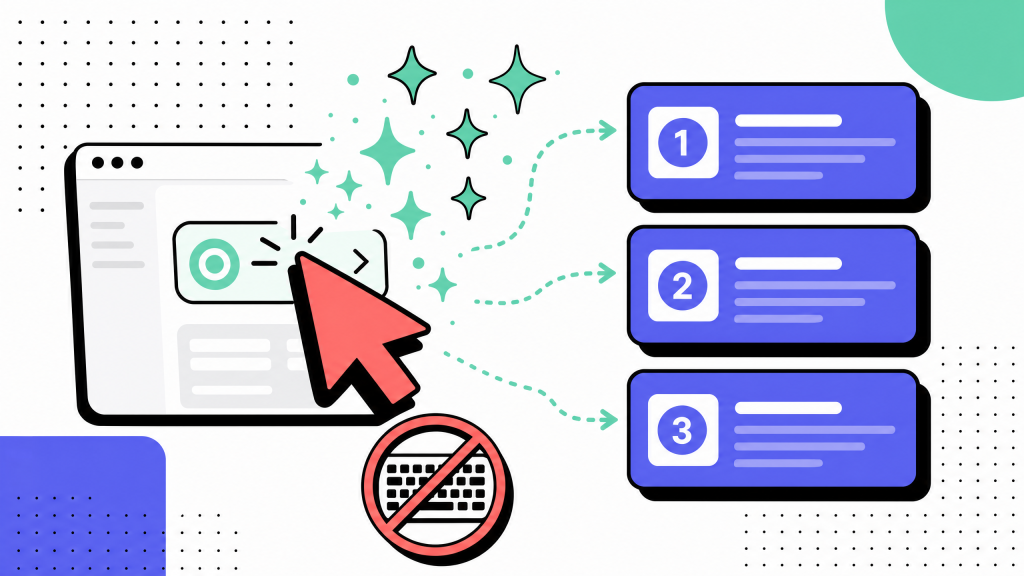
This is the same capture-first approach we cover in documenting workflows without typing, where recording the work replaces reconstructing it afterward.
Capture beats recall
Writing a procedure is recall: reconstructing from memory what you think happened. Recording is capture: preserving what actually happened. Recall leaks. Capture doesn't.
It makes documentation cheap enough to happen
The numbers tell the same story. Writing up a routine procedure typically takes 90 to 120 minutes. Recording the same task while performing it takes 8 to 15. When documentation becomes that much cheaper, people finally capture the knowledge they used to leave in their heads.
None of this turns a recording into a reusable asset yet. It makes it excellent raw material. Recording captures the work. Management makes that work something the next person can find, trust, and reuse.
Use cases
Screen recording is most useful when the knowledge is tacit, tied to the flow of work, and hard to recover once the person who holds it is unavailable. Two cases carry most of the value.
Onboarding a role, not a tool
One of the highest-value uses is recording how a specific role runs its core tasks, so the next person in the seat can watch instead of booking hours with whoever held it last. Not a generic product tour, but the real sequence: how this team triages the support queue, closes the books, or ships a release.
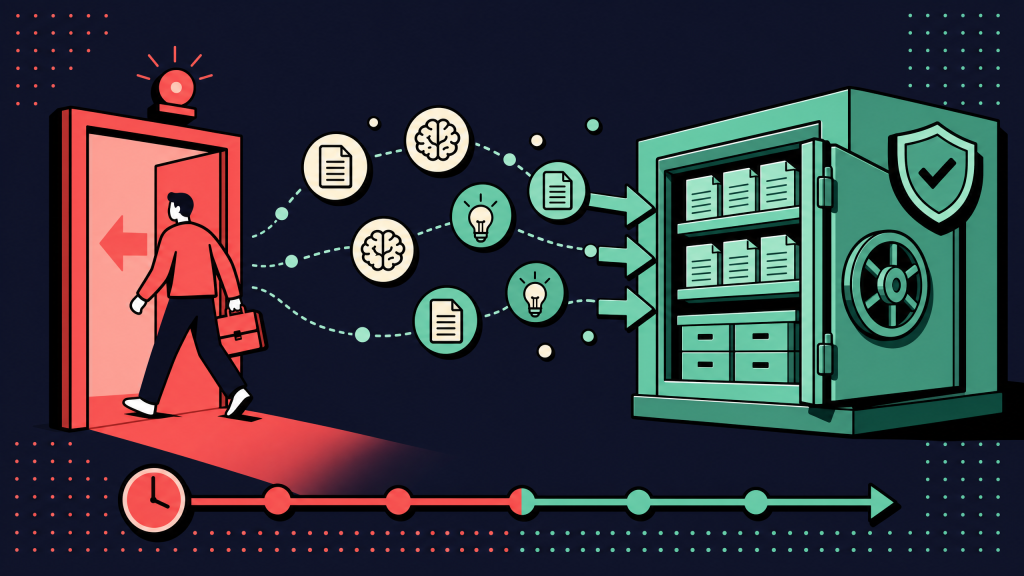
These internal tutorial videos do what a live walkthrough cannot. They happen once and serve everyone who comes after, on their own schedule. And when someone gives notice, capture their knowledge before it walks out the door by recording their core work. You preserve the how, not only the what.
Bug reproduction and engineering handoff
The second case is sharper. A bug that one engineer can reproduce and another cannot is often a knowledge-transfer failure. The person who saw it writes it up in a ticket, the write-up misses one detail, and the defect bounces for a week.
A thirty-second recording of the actual reproduction, including the exact clicks, account state, and console output, hands off precisely what the first engineer saw. The recording is the repro.
Neither case is a polished tutorial for a public audience. Both are captures of real work, made so a specific piece of knowledge survives a person becoming unavailable. That is the operational job screen recording does inside knowledge management: it carries knowledge across a gap that a conversation used to bridge. To make those recordings reusable across the team, turn a capture into a procedure instead of leaving it as a loose clip.
The benefits
Strip away the enthusiasm and the value of screen recording comes down to a few practical benefits, most of them about time and preserving knowledge when the person who holds it is unavailable.
It replaces repeat walkthroughs. Knowledge used to move through meetings: a live walkthrough, a screen share, or "hop on a call and I'll show you." A recording explains the same task once and serves everyone who needs it afterward, without another meeting or shared calendar slot.
It compounds over time. A live explanation costs the same thirty minutes every time. A recording costs thirty minutes once. The tenth viewer is free. So is the fiftieth. For knowledge more than one person will ever need, that arithmetic is hard to beat.
It preserves tacit knowledge. A recording captures the judgment calls, side checks, and instinctive decisions that rarely make it into written documentation. That is often the hardest knowledge to replace when an experienced employee leaves.
It shortens the path to an answer. A well-managed recording library lets someone answer their own question without waiting for the one person who knows to come online. That only works if recordings are searchable and easy to find. Making them easy to find is where knowledge management does its real work.
Best practices
Recording is the easy part. Keeping recordings useful is the challenge. Without structure, they pile up, become impossible to search, and quietly go stale. A few habits turn a folder of clips into a knowledge library.
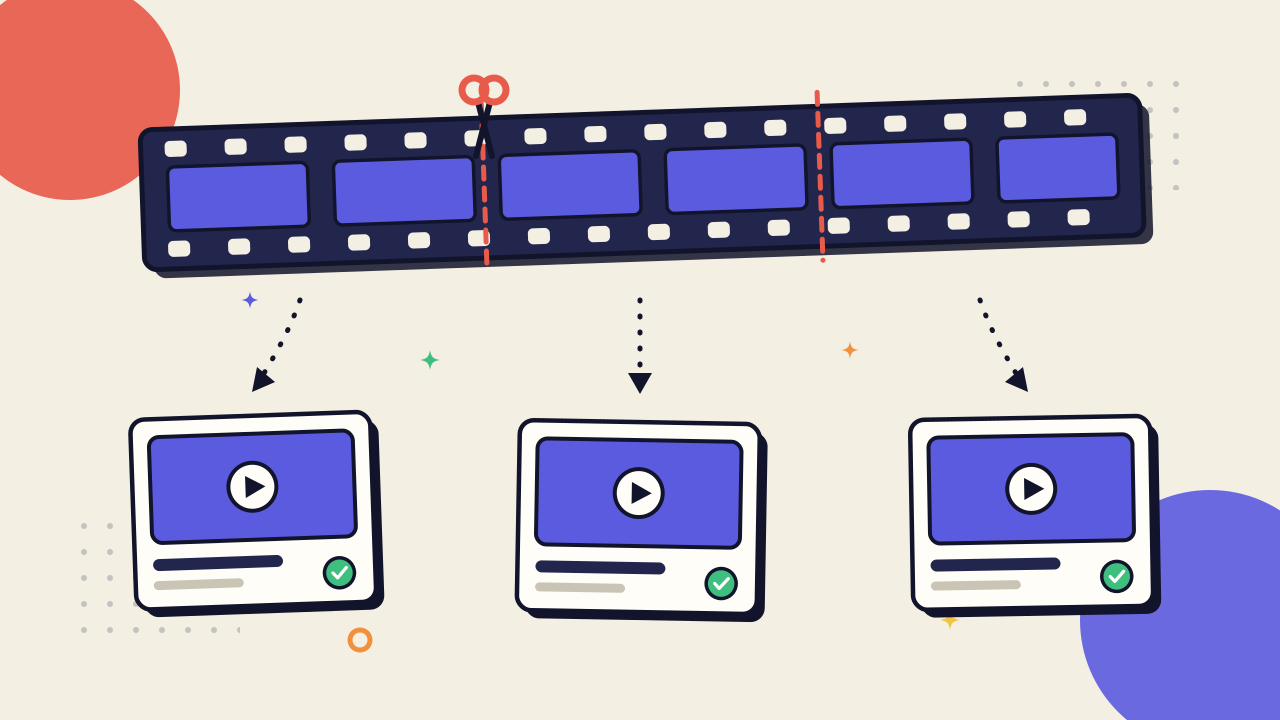
Chapter and title every recording. A twelve-minute recording of an entire onboarding flow is a manual with worse search. Break captures into one recording per task and title each for what it teaches. The difference between "Recording 47" and "How to run the Tuesday billing export" is the difference between a clip and a knowledge asset.
Wrap every recording in text. Video is poor at skimming and searching, so give each recording the text it lacks: a transcript, a one-line summary, and the tags people would actually search for. Teams often skip this step, but it is what determines whether a recording is still useful six months later.
Give every recording an owner and an update trigger. Recordings age just like documents. Assign each one an owner and define when it should be re-recorded, whether that's a redesigned interface, a new tool, or a revised process. Ownership turns staleness into scheduled maintenance instead of slow decay.
Store recordings where people already look. A well-organized recording library belongs inside the knowledge base, alongside the written documentation it complements. If you are deciding how to structure the knowledge base recordings live in, that architecture is what makes them retrievable instead of merely stored.
Capture real work, not a staged demo. The value of a recording is the small judgment calls, recoveries, and side checks an expert performs without thinking. A polished re-enactment strips away exactly the details that make the recording valuable. Record the real task, then let the transcript clean up what needs cleaning.
The goal is not to record more. It is to capture the knowledge that walks out the door when the recording stops, and keep it easy to find when someone needs it months later.
Screen recordings become valuable when they're managed
Screen recording earns its place in modern knowledge management on one condition: you have to treat it as a managed capture method, not an afterthought pile of videos. Recording is the easy part. The discipline is in the chaptering, transcript, ownership, and update triggers that keep knowledge current and easy to find. Skip that work and you have a hard drive full of clutter. Do it and you preserve the knowledge that traditional documentation rarely captures.
Capturing more recordings is simple. Keeping the right knowledge searchable and trustworthy is what takes practice. Record the work while it happens, wrap it in enough context to find again later, and assign someone to keep it current. Done well, the knowledge that used to leave with an employee stays with the team. That is what turns a screen recording into part of your team's institutional knowledge.
FAQ
What is the role of screen recording in knowledge management?
Screen recording is a capture method, not a knowledge system. It preserves work as someone performs it, making tacit knowledge easier to retain and share. It only becomes part of a knowledge-management system once recordings are organized, searchable, owned, and kept up to date.
How is screen recording different from video documentation?
Video documentation describes the format. Screen recording in knowledge management describes the role the recording plays after it is created. A recording becomes knowledge only when it can be found, trusted, and reused alongside the rest of your documentation.
What should teams record for knowledge management?
Focus on work that is difficult to reconstruct later: role-specific workflows, onboarding tasks, bug reproductions, recurring operational procedures, and other activities where the sequence and small judgment calls matter. Reference information, policies, and decision criteria are usually better kept in written documentation.
How do you stop screen recordings from becoming clutter?
Treat recordings like any other knowledge asset. Give each one a clear title, transcript, searchable tags, a named owner, and an update trigger. Store recordings inside your knowledge base instead of leaving them in a shared drive so people can actually find and trust them.
Do screen recordings replace written documentation?
No. The two formats solve different problems. Screen recordings are best for demonstrating how work is performed, while written documentation is better for reference material, policies, and information people need to scan quickly. Most teams get the best results by using both together.
How long should a screen recording be?
Keep each recording focused on a single task or question. Short recordings are easier to search, watch, update, and reuse. If a workflow is long, split it into separate recordings instead of creating one long walkthrough.